
How it worksLanguagesPricingBlogsFAQ

Instagram Reels Urdu captions that actually read right

Most Reels play on mute. If the Urdu reads broken or sits under Instagram’s buttons, the watch ends there.

Footage thumbnail
Upload a Reel clip
Prism Pro

How it works

How to add Urdu captions to an Instagram Reel

Upload the clip, review the Urdu transcript, place the captions inside the Reels safe zone, then export a 9:16 video with the captions burned in. Guests can try the whole workflow without an account.

01

Upload the clip and choose Urdu

This page opens with Urdu selected, laid out in Nastaliq right to left. Choose Roman Urdu instead when your audience reads Latin letters.

02

Review the words and the placement

Fix names and Urdu-English phrases, split long lines into short cues, then drag the captions clear of the Instagram buttons with the safe-zone guides.

03

Export a 9:16 burn-in

Reels shows what is inside the video file, so export a captioned video in 9:16. Rendering happens in your browser as MP4 when the browser supports it and WebM.

Styles

Choose a style for your Urdu Reels

Preview caption styles like Karaoke and Word Pop, then adjust type, color, size, motion and placement in the editor.

Word Pop
Karaoke
Typewriter
Nastaliq
Code-switch
Highlight
Boxed
Clean
Spanish output
French output
Bold
Word Pop
Karaoke
Typewriter
Nastaliq
Code-switch
Highlight
Boxed
Clean
Spanish output
French output
Bold
Word Pop
Karaoke
Typewriter
Nastaliq
Code-switch
Highlight
Boxed
Clean
Spanish output
French output
Bold
Word Pop
Karaoke
Typewriter
Nastaliq
Code-switch
Highlight
Boxed
Clean
Spanish output
French output
Bold

Features

Features behind your Urdu Reels captions

  • Word-Level Timing

    Captions follow each spoken word. Review the transcript and correct text before export.

  • Styles You Can Adjust

    Choose from standard and animated caption styles, then tune type, color, and emphasis.

  • Nastaliq captions laid out right to left

    Urdu captions use a self-hosted Nastaliq face with joined letterforms and right-to-left layout, including the direction of the word highlight.

  • Place Captions Where They Fit

    Drag captions into position and use platform safe-zone guides to keep them clear.

  • Export Video Or Subtitle Files

    Download your captioned video or save timestamped SRT and VTT subtitle files.

  • Edit In Your Browser

    Upload, review, and style captions in one browser workflow. No video editor to install.

Instagram Reels Urdu captions

Urdu captions built for the vertical feed

Turn the Urdu speech in a Reel into word-timed captions, place them clear of Instagram’s controls, and export a 9:16 video with the captions burned in.

Urdu script

Short Nastaliq lines, read right to left

Choose Urdu and the captions come back in Nastaliq, laid out right to left with a timestamp on every word. Reels are often watched on mute, so keep each line short enough to read in the time it is on screen.

  • Word timing lets a Karaoke style fill right to left with the voice instead of dropping a full.
  • Read the complete line rather than isolated words when numbers, punctuation or English names appear.
  • Preview at phone size before export and shorten any phrase that runs long on a small screen.
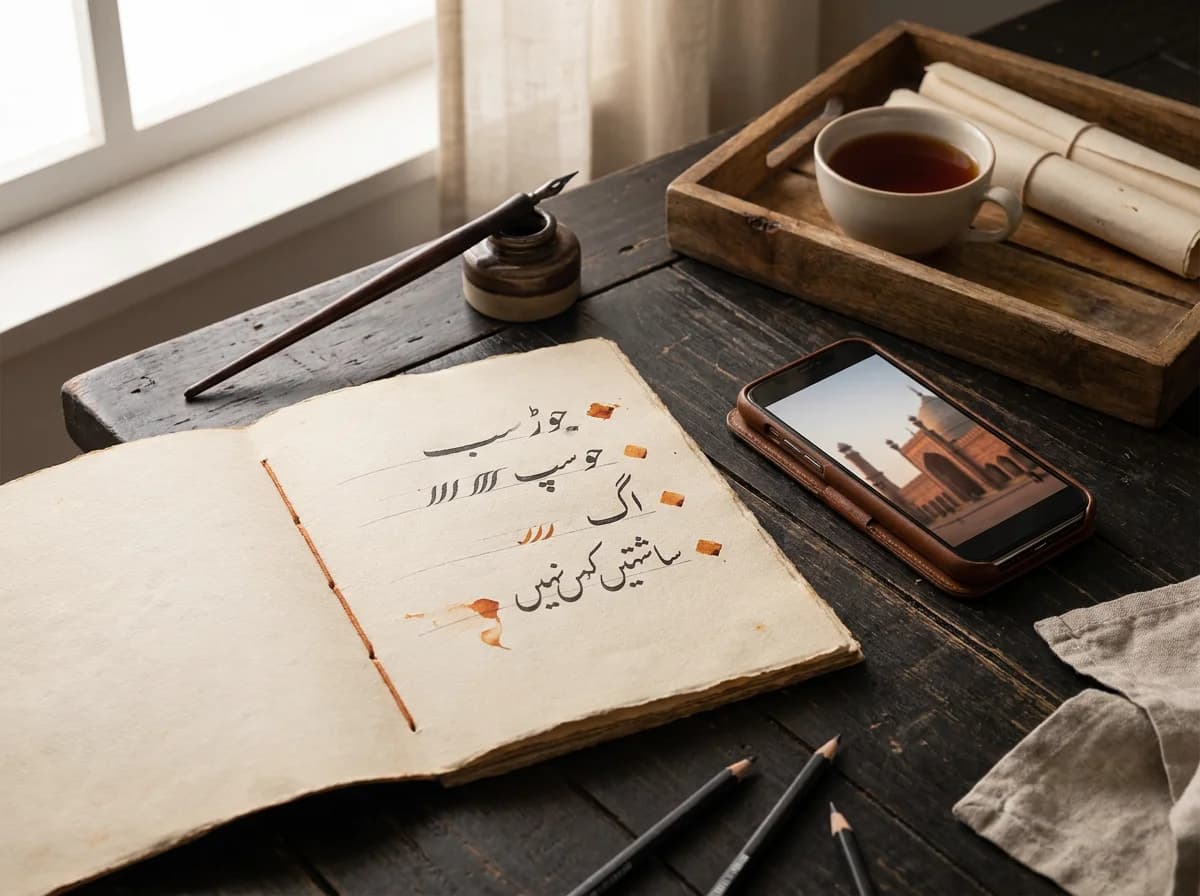
Editorial illustration of a Nastaliq calligraphy practice sheet beside a phone showing Lahore architecture.
Line breaks

Phrases that fit a phone screen

Captions are grouped into short readable lines, and you can split or merge cues in the editor to match how the clip is spoken. A dense block of Urdu over moving footage is hard to follow on a small screen.

  • Split a long sentence into two cues, or merge short ones, until every line reads comfortably at.
  • Keep captions away from faces and on-screen actions so the footage stays visible behind the words.
  • Use the waveform timeline and preview playback to confirm that each cue appears with the speech.
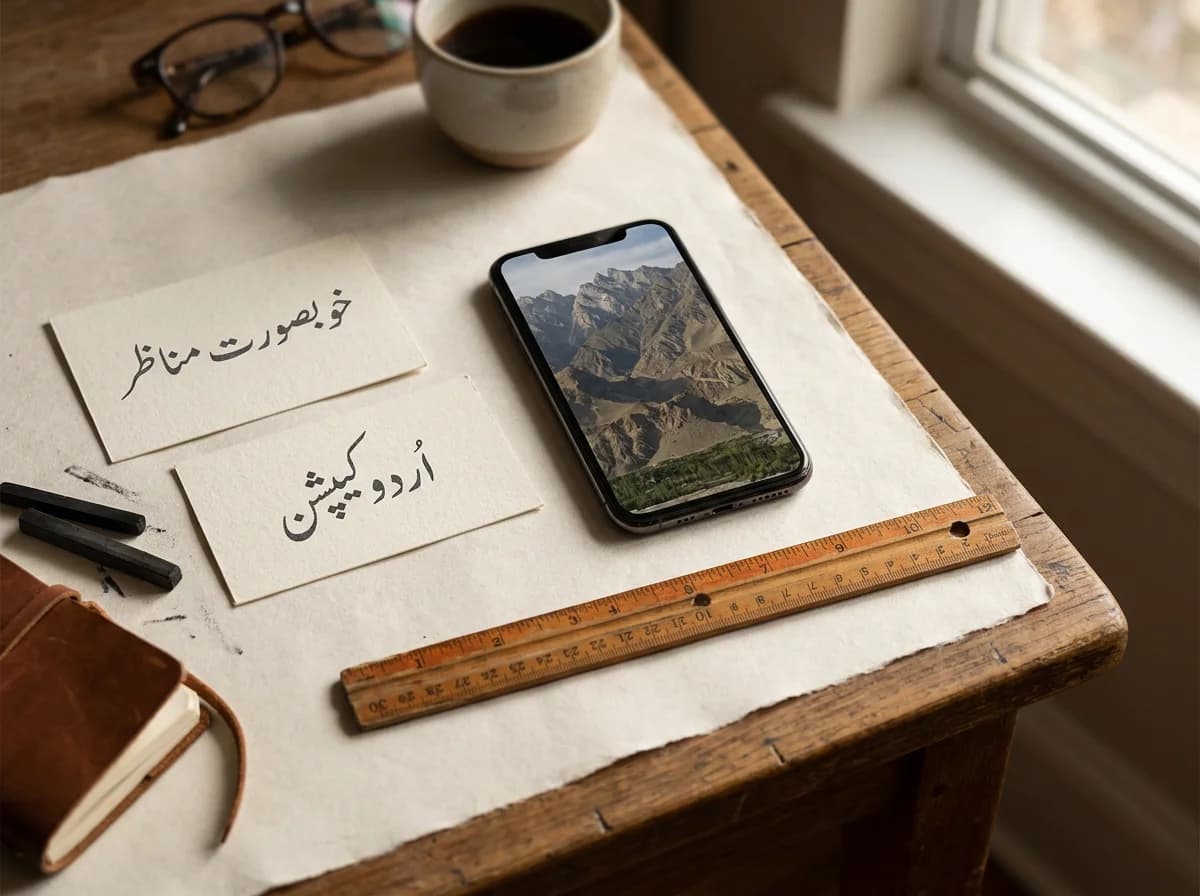
Editorial illustration of two paper cards with short Urdu phrases beside a phone showing a portrait mountain video and a ruler.
Placement

Drag captions clear of the Instagram controls

The like, comment and share stack sits on the right of a Reel, and the caption and audio bars sit along the bottom. Safe-zone guides show those areas so you can drag the caption block clear of them.

  • Turn on the safe-zone guides, then drag the caption block until it clears both the buttons and the.
  • Check contrast against the actual footage, especially where the background changes behind the.
  • Export 9:16 for Reels, or re-export at 1:1 or 16:9 for another crop. Each export is one composition.
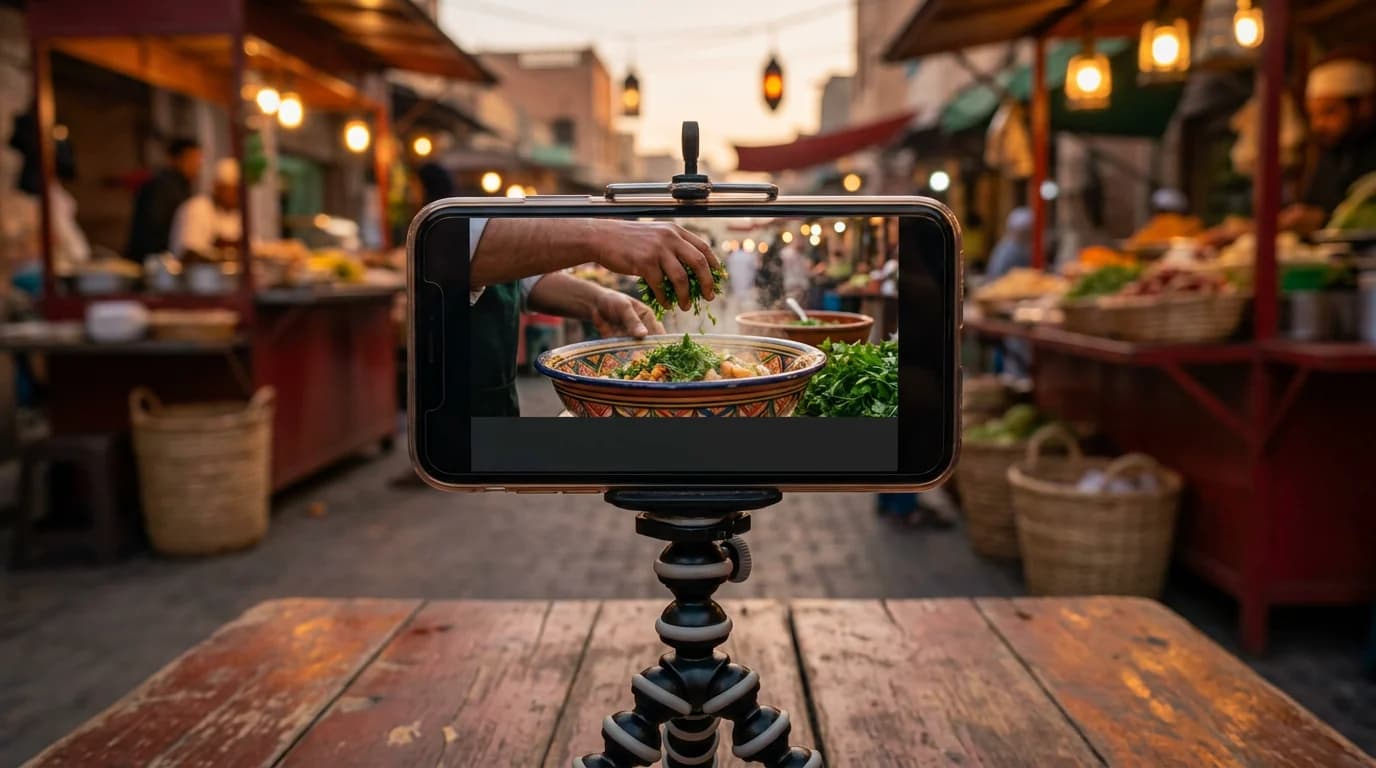
Editorial illustration of a phone on a tripod filming a vertical street-food cooking video, with an empty caption bar at the bottom of the phone screen.
Export

Burn the captions into the 9:16 video

Reels shows whatever is inside the video file, so a burn-in guarantees the caption look on every phone. The styled text is rendered into the picture with the Nastaliq face you saw in the preview. Keep the tab open until the export finishes.

  • Video exports use MP4 when your browser supports it and WebM otherwise.
  • An account is required to export. Free and Pro exports have no watermark; credits and per-video.
  • Download SRT or VTT as well when a subtitle track is needed for a longer YouTube upload or another.
Editorial illustration of a laptop and phone showing the same mosque-courtyard video beside tied SRT and VTT document cards.

Check the Reel before you post it

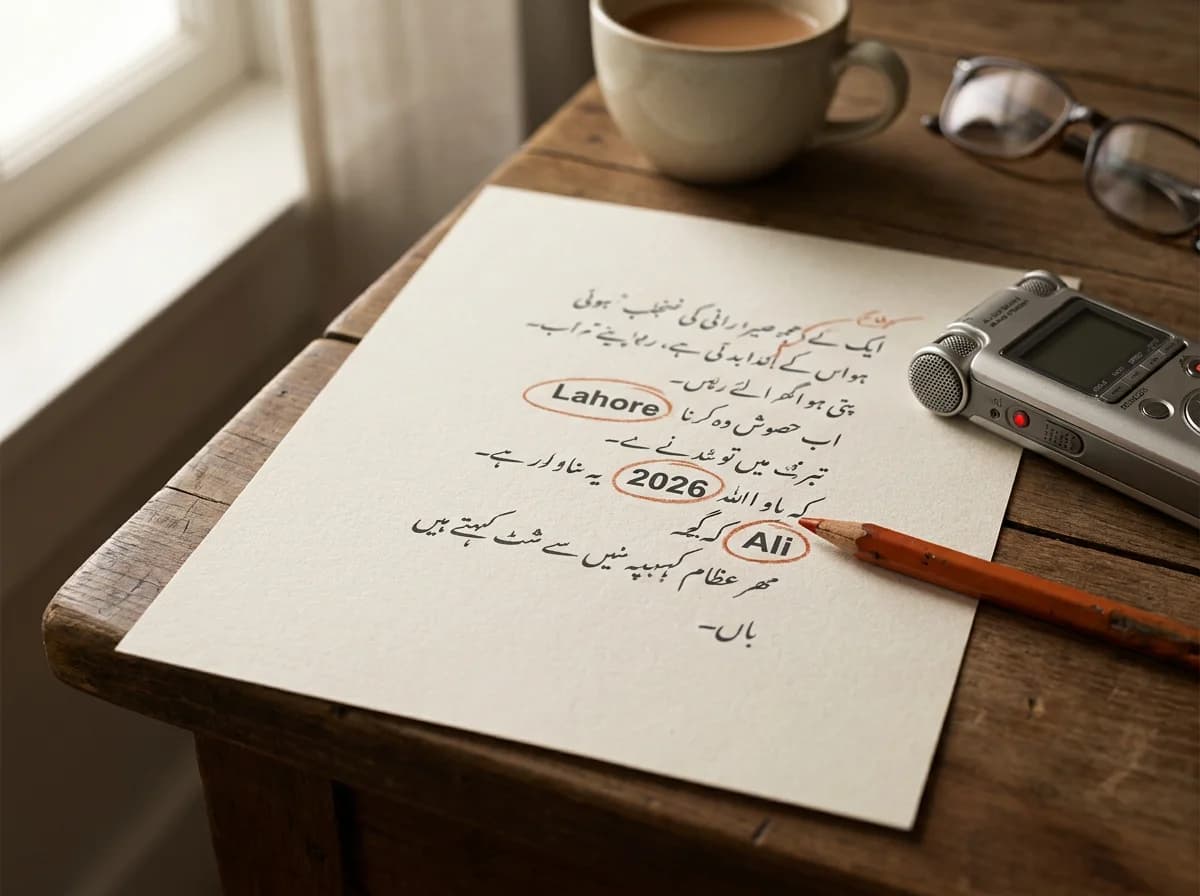
Editorial illustration of a handwritten Urdu transcript with the words ‘Lahore’, ‘2026’ and ‘Ali’ circled in orange beside a voice recorder.

Proof Urdu-English lines

Reels captions often mix languages: English names, numbers and brand terms inside an Urdu sentence.

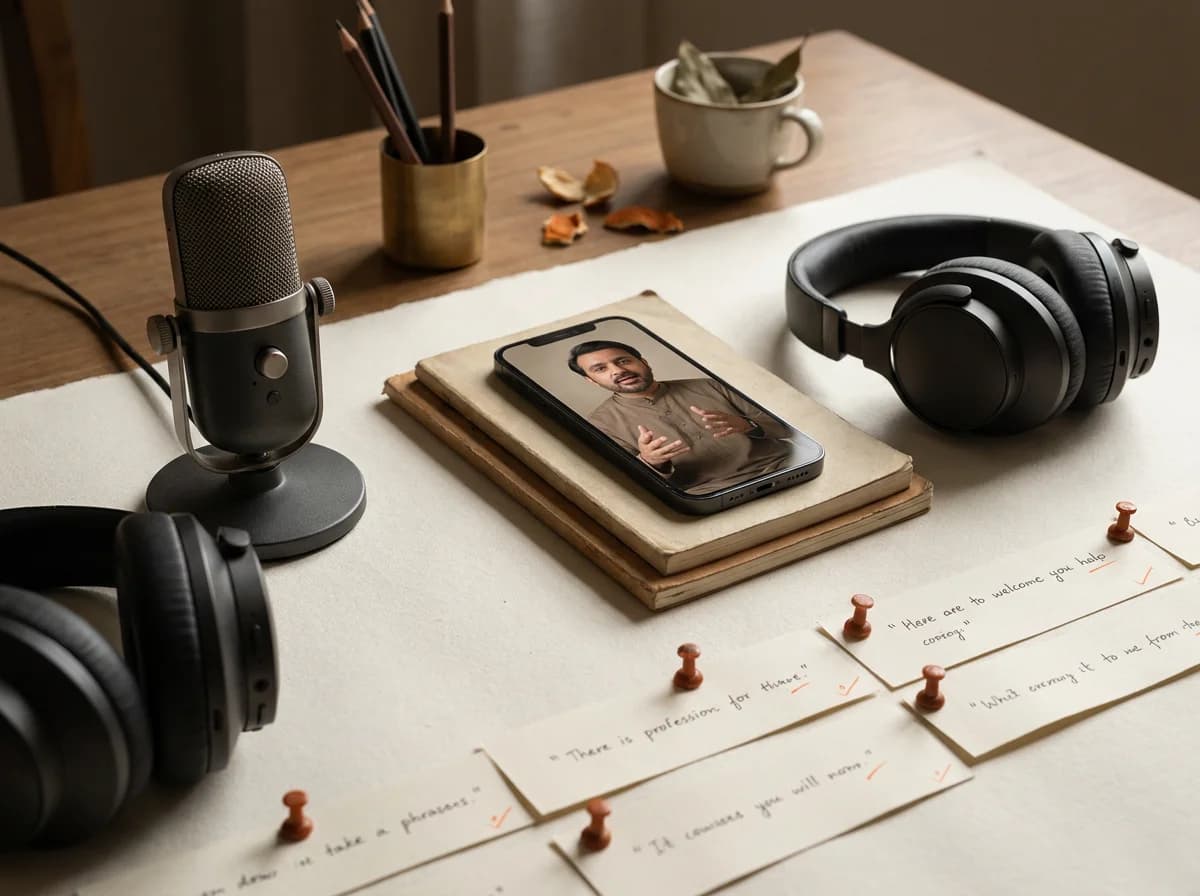
Editorial illustration of a microphone, headphones and pinned paper phrase strips beside a phone showing a speaking presenter.

Follow fast passages

Watch the highlight move through quick lines and confirm it stays with the voice.

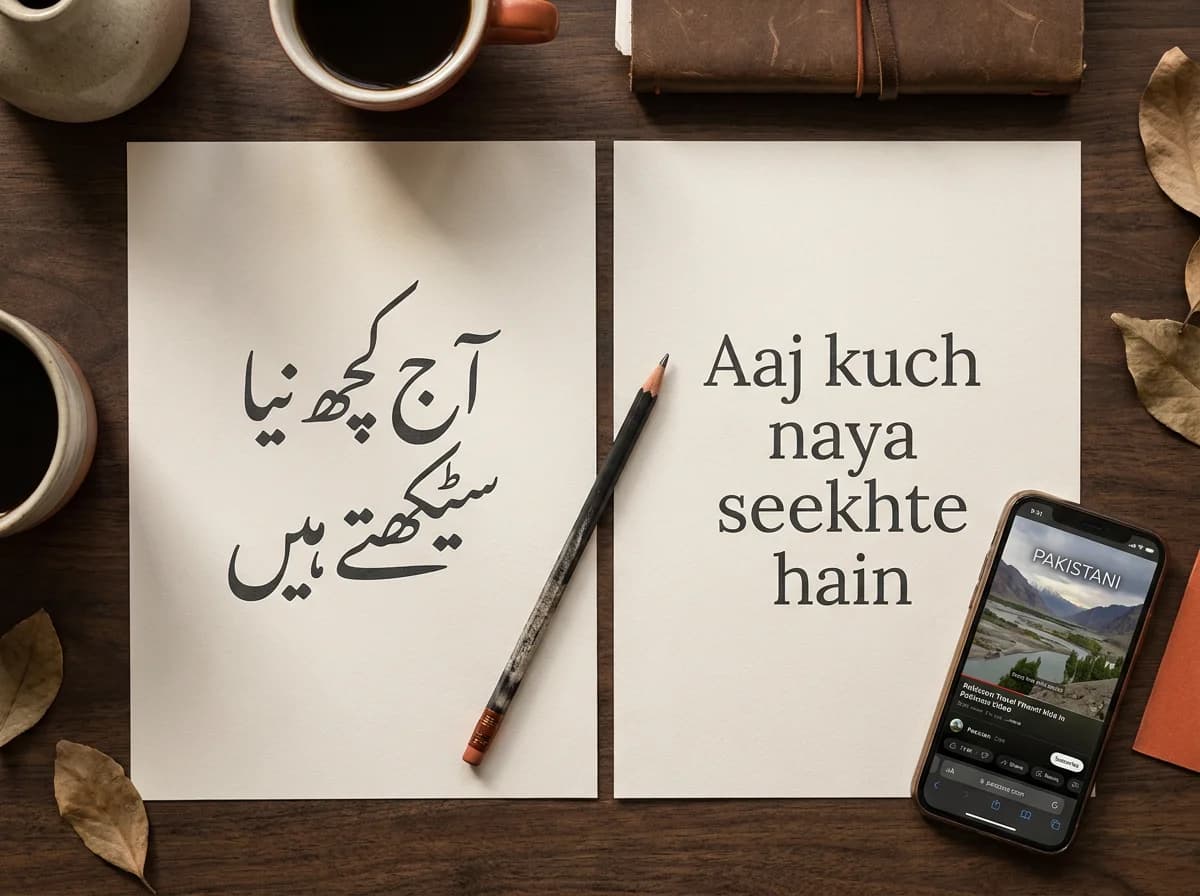
Editorial illustration of two paper sheets, one with Urdu calligraphy and one with a Latin-script sentence, beside a phone showing a Pakistani travel video.

Pick the writing system

Decide whether this audience reads Nastaliq or Latin letters, then convert between Urdu script and Roman Urdu in the editor without uploading again.

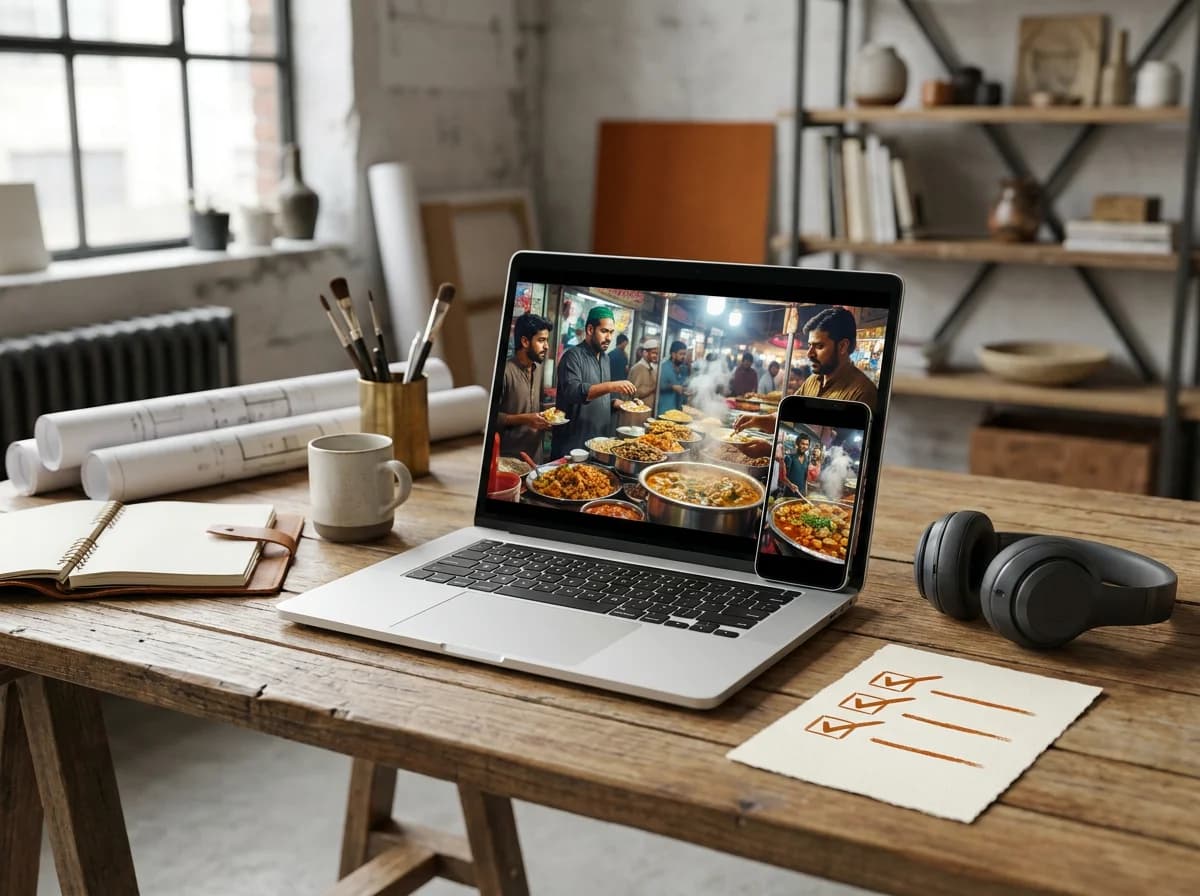
Editorial illustration of a laptop and phone showing a street-food video beside a handwritten checklist.

Review at phone size

Play the exported video at the size viewers will watch. Check contrast, line length and that the captions clear the Instagram controls through the last line.

Urdu Reels captions for the feeds you post to.

Reels creators and influencers

Keep Urdu captions readable on a muted vertical feed.

Use a portrait composition

Preview the clip in 9:16 before posting and check that the crop keeps your subject and any on-screen information visible.

Short lines, moving highlight

Keep each cue short and let word timing carry the highlight through fast passages so viewers can follow without sound.

Stay clear of the controls

Use the safe-zone guides so the words never sit under the like, comment and share buttons or the caption bar.

Food, travel and fashion vloggers

Caption Urdu narration over fast, colorful footage.

Keep the demo visible

Place captions where they cover neither the dish, the outfit nor the place being shown.

Shorten phrases over cuts

Break narration at natural pauses so each cue reads before the shot changes.

Burn in the final look

Export a burn-in so the Nastaliq style survives the upload on every phone, with no watermark on the file you post.

Brands and small businesses

Publish Urdu product and campaign Reels that hold up.

Check product terminology

Review brand names, prices, offer details and English terms against the audio before the Reel goes live.

One project, several feeds

Export 9:16 for Reels and run the export again at 1:1 or 16:9 for TikTok, Shorts or a website cut.

Consistent caption styling

Burned-in captions keep your chosen font, color and placement everywhere the video appears, instead of relying on each app’s text tools.

Podcasters and interview channels

Turn a spoken Urdu moment into a captioned Reel.

Choose a self-contained excerpt

Pick a moment that makes sense on its own and fits your plan’s duration limit before you upload it.

Mark the speaker changes

Type a short name at the start of a turn when viewers need to follow who said what. There is no automatic speaker detection.

Export the clip and the subtitles

Burn captions into the vertical clip for Reels and download SRT or VTT from the same project for a longer YouTube upload.

Podcasters and interview shows

Publish conversational video with clear, readable captions.

Accurate word timing

Transcribe conversational speech accurately with precise word timings.

Quick editing

Review and edit speaker dialogue easily in our browser-based editor.

Fast export

Export clean short-form clips for social media promotion in minutes.

Pricing

Simple pricing for creators who post

Start without a credit card. No watermark on exports, on every plan.

Free

PKR0/month
10 export minutes every month
500 MB cloud project storage
100 MB max upload size
All 8 caption styles included
Urdu Reels captions in Nastaliq or Roman Urdu
Word-level karaoke timing
SRT and VTT subtitle downloads
Burn-in export for Reels and Shorts
No watermark on exports, ever
Save projects to your dashboard
Autosave while you edit
Browser editor, nothing to install

Pro

Featured
PKR1,274/month
120 export minutes every month
20 GB cloud project storage
100 MB max upload size
Custom font uploads
Priority transcription queue
Batch export up to 5 projects at once
Advanced caption styling and placement
10-minute clips per upload
Export history and re-download anytime
Email support with 24-hour response
Early access to new caption styles
Everything in Free

Studio

PKR7,499/month
500 export minutes every month
100 GB shared team storage
500 MB max upload size
Up to 5 team members in one workspace
Role-based access: Admin, Editor, Viewer
Shared project folders and team templates
Brand kit: saved colors, fonts, and presets
Custom vocabulary and glossary for your brand
SSO-ready team login (Google Workspace)
Dedicated account manager
Priority support with same-day response
API access for automated workflows
White-label export metadata
Unlimited batch exports
30-minute clips per upload
Everything in Free
Everything in Pro

FAQ

Urdu captions on Reels, answered

What happens to the file, the font, and the account.

Transcription, editing, styles, and burn-in export are on the free plan, with no watermark. You can start without an account. Guest clips are up to 5 minutes and 100 MB, inside a 50-credit session (one credit is six seconds). Downloading the captioned Reel needs a free account with a confirmed email. Verified Free accounts get 100 credits a month. Pro allows 10-minute clips. See /pricing.

You can upload and generate captions without one. Exporting the burn-in, SRT, or VTT requires a free account with a confirmed email. The account is also what saves the project to your cloud library.

Burn-in puts the styled text into the video pixels, using the self-hosted Nastaliq face from the preview. Viewers see that look whether or not their device has a good Urdu font. An SRT leaves the font to the player.

Same project. Export 9:16 again if you need a fresh file, or pick 1:1 or 16:9 for another crop. Each export is one ratio. SRT and VTT are there for long YouTube. Safe-zone guides cover TikTok and Shorts too.

Transcription sends only the audio extracted in your browser. The captioned file is rendered on your device. If you are signed in, the project is also saved to your cloud library so you can reopen it.

Yes. Burn in here, then add effects in CapCut, or export SRT and import it. See /captions/capcut-urdu-alternative.

More tools

Caption Tools For The Languages You Use

Choose a language page to see how AutoCaption handles its speech, script, and export workflow.

AI Caption GeneratorUpload a video, edit word-timed captions, and export a captioned clip or SRT/VTT file.Urdu Caption GeneratorUpload a clip and generate Urdu captions timed to every spoken word.English Caption GeneratorUpload a clip and get English captions timed to every spoken word. Pick a karaoke style, tweak a line, then burn into Reels or Shorts, or download.Hindi Caption GeneratorUpload a clip and get Hindi captions timed to every spoken word. Use Auto-detect for Devanagari, tweak a line, then burn into Reels or Shorts, or.Roman Urdu Caption GeneratorUpload a clip and get Roman Urdu captions timed to every spoken word. Latin letters that match how people type Urdu online, then burn into Reels or.Spanish Caption GeneratorUpload a clip and get Spanish captions timed to every spoken word. Use Auto-detect for Spanish speech, tweak a line, then burn into Reels or Shorts.French Caption GeneratorUpload a clip and get French captions timed to every spoken word. Use Auto-detect for French speech, tweak a line, then burn into Reels or Shorts, or.

More Resources

Subtitle Line Length and Reading Speed: Practical Guidelines

Subtitle Line Length and Reading Speed: Practical Guidelines

Learn how subtitle line length, reading speed, timing, and line breaks affect comprehension. Use practical checks for short videos without forcing every caption into the same rigid formula.

How to Caption Videos for Accessibility

How to Caption Videos for Accessibility

Learn how to caption videos for accessibility with accurate speech, useful sound information, speaker identification, readable timing, and a final review that includes the actual viewer experience.

Closed Captions vs Open Captions: Which Format Should You Use?

Closed Captions vs Open Captions: Which Format Should You Use?

Closed captions vs open captions explained in plain language, including viewer control, accessibility, styling, cross-platform behavior, and when each format fits.

Export a 9:16 Urdu Reel

Upload the clip, choose Urdu or Roman Urdu, and export a burn-in Instagram can post. Guests get 50 session credits to try; an account is required to export.

Discover More

Urdu caption generatorRoman Urdu captionsCapCut Urdu alternativeUrdu SRT generatorHindi karaoke captionsUrdu podcast clipsCaptions on Instagram ReelsPricing
AutoCaptionAutoCaption

Word-level accurate AI video caption generator. Fast auto subtitles with custom animations, multi-language support, and watermark-free exports.

Copyright © 2026 AutoCaption. All rights reserved.

Company

  • Pricing
  • How it works
  • FAQ
  • Blog
  • Contact

Legal

  • Privacy Policy
  • Terms of Service

Connect

  • LinkedIn
  • Instagram

Europe & Global

  • English captions
  • Spanish captions
  • Portuguese captions
  • French captions
  • German captions
  • Italian captions
  • Dutch captions
  • Turkish captions

South Asia & Middle East

  • Urdu captions
  • CapCut Urdu alternative
  • Urdu SRT generator
  • Instagram Reels Urdu
  • Urdu podcast captions
  • Roman Urdu captions
  • Arabic captions
  • Persian captions
  • Hindi captions
  • Hindi karaoke captions
  • Punjabi captions
  • Bengali captions
  • Tamil captions
  • Telugu captions
  • Marathi captions
  • Gujarati captions

Asia & Pacific

  • Japanese captions
  • Korean captions
  • Indonesian captions
  • Vietnamese captions
  • Filipino captions
  • Thai captions

AUTO CAPTION