How it worksLanguagesPricingBlogsFAQ
Free · no watermark · no install

CapCut Urdu captions, without the fight

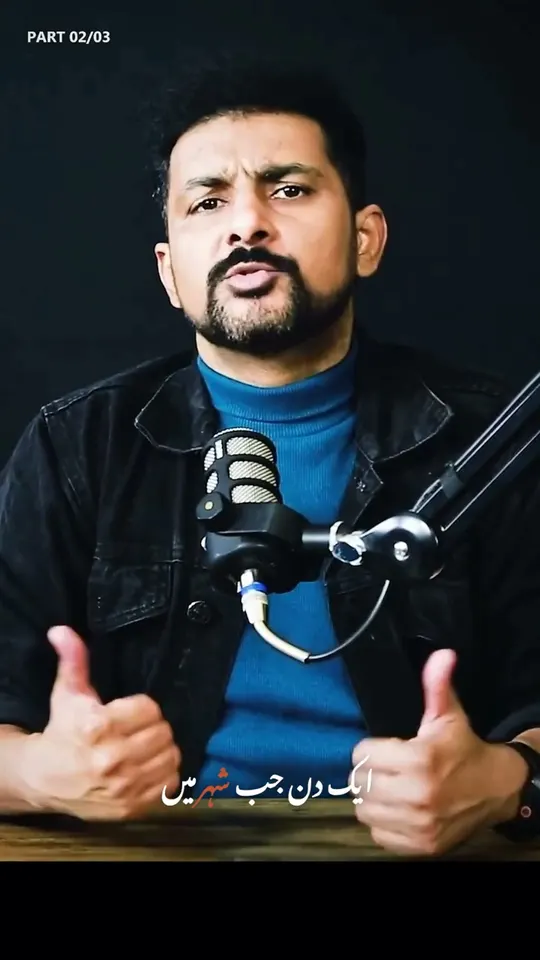
CapCut is great for cuts and effects. For Urdu auto captions, most creators still type right-to-left by hand or paste broken text. AutoCaption transcribes in Nastaliq (the Urdu script readers expect), times every word, and lets you burn captions in or drop an SRT straight into CapCut.


English

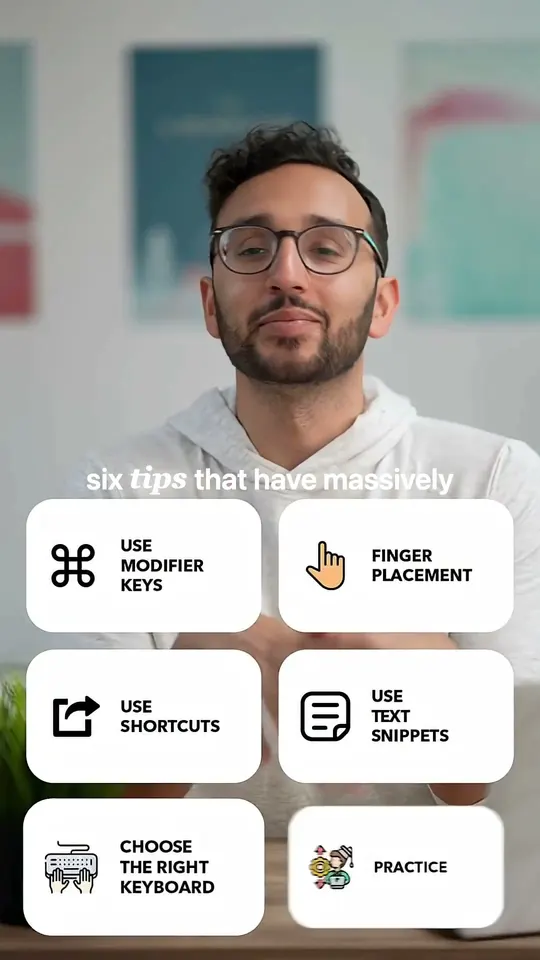
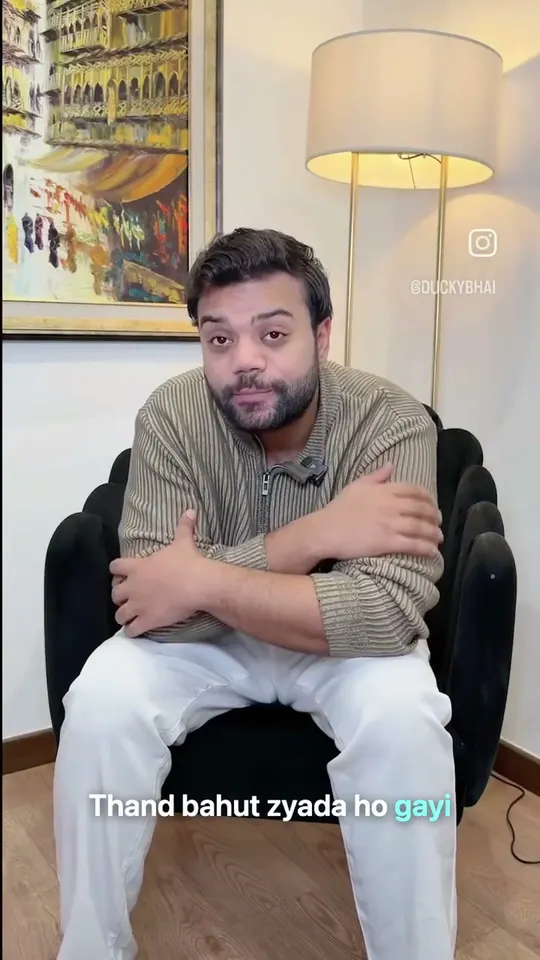
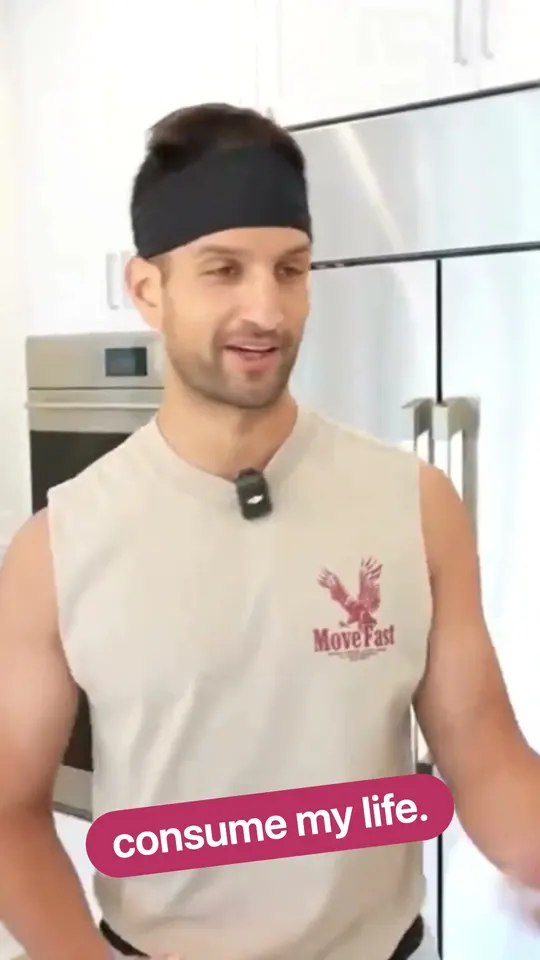
Word Pop captions

The gap

Why CapCut Urdu captions break down

Urdu is usually a manual job

CapCut's auto captions work best in English and a short list of major languages. Urdu is usually typed by hand.

Right-to-left text fights the editor

Typing or pasting Urdu in CapCut's caption editor on a phone is awkward: the cursor jumps, punctuation flips, and right-to-left lines fight a left-to-right interface.

An SRT does not carry the font

If you only export an SRT, CapCut or the player picks the typeface. You often get a Naskh-style Urdu font instead of Nastaliq.

AutoCaption is built for that gap: Urdu script, right-to-left karaoke fill, browser edit, then burn-in or SRT/VTT.

Compare

CapCut vs AutoCaption for Urdu

Use CapCut for editing. Use AutoCaption for Urdu captions.

Auto Urdu transcription

CapCut alone
Weak / manual
AutoCaption -> CapCut
Word-timed Urdu (Nastaliq)

RTL karaoke / word highlight

CapCut alone
Limited
AutoCaption -> CapCut
Built for RTL word fill

Edit before export

CapCut alone
Timeline text tools
AutoCaption -> CapCut
Fix words, split lines, drag clear of UI

For Reels / Shorts

CapCut alone
Full editor
AutoCaption -> CapCut
Burn-in MP4 at 9:16 (or 1:1 / 16:9)

Stay in CapCut timeline

CapCut alone
Native
AutoCaption -> CapCut
Export SRT/VTT and import

Watermark on free export

CapCut alone
Depends on plan / region
AutoCaption -> CapCut
Never
CapCut alone compared with AutoCaption, then CapCut, for Urdu captions
NeedCapCut aloneAutoCaption -> CapCut
Auto Urdu transcriptionWeak / manualWord-timed Urdu (Nastaliq)
RTL karaoke / word highlightLimitedBuilt for RTL word fill
Edit before exportTimeline text toolsFix words, split lines, drag clear of UI
For Reels / ShortsFull editorBurn-in MP4 at 9:16 (or 1:1 / 16:9)
Stay in CapCut timelineNativeExport SRT/VTT and import
Watermark on free exportDepends on plan / regionNever

Workflows

Two workflows (pick one)

Burn the words into the video, or keep CapCut as the editor and import a subtitle file.

A. Burn-in, then finish in CapCut

  1. 1

    Choose Urdu

    Open AutoCaption and choose Urdu.

  2. 2

    Upload the clip

    Upload your MP4 or MOV.

  3. 3

    Tweak the lines

    Tweak any line, pick Karaoke or Word Pop, and drag captions clear of platform buttons.

  4. 4

    Export burn-in

    Export burn-in at 9:16.

  5. 5

    Finish in CapCut

    Drop the captioned clip into CapCut for music, cuts, or effects.

B. Keep CapCut as the editor (SRT import)

  1. 1

    Generate Urdu captions

    Generate Urdu captions in AutoCaption the same way.

  2. 2

    Download SRT or VTT

    Download SRT (or VTT).

  3. 3

    Import into CapCut

    Import the subtitle file into CapCut and style there if you prefer CapCut's text tools.

  4. 4

    Prefer burn-in for the Nastaliq look

    For a guaranteed Nastaliq look on muted feeds, prefer burn-in (workflow A). SRT leaves the font to the player.

What you get

What you get that CapCut doesn't specialize in

Urdu script that stays intact

Script

  • Proper Urdu script through preview and export. Ligatures don't flip mid-line.

Right-to-left karaoke

Timing

  • Karaoke timed per word, not just whole lines, filling right to left.

Roman Urdu in the same project

Convert

  • Switch to Roman Urdu in the same project if your audience reads Latin script. No re-upload.

SRT, VTT, and burn-in

Export

  • SRT, VTT, and burn-in from the same project, including 9:16 for Reels and Shorts.

Free exports, no watermark

Free

  • Free to try. Exports never carry an AutoCaption watermark.

Related

  • Urdu caption generator
  • Roman Urdu captions
  • Hindi captions
  • Pricing

FAQ

CapCut Urdu captions, answered

Straight answers if you edit in CapCut and need Urdu subtitles.

No. CapCut is a full video editor. AutoCaption is a browser caption studio focused on Urdu, Roman Urdu, Hindi, English, and auto-detect languages, with word-level timing and clean exports.

Start with Urdu. Finish in CapCut if you want.

Upload once. Caption in AutoCaption. Post as-is or bring the file into CapCut for the rest of the edit.

AutoCaptionAutoCaption

Word-level accurate AI video caption generator. Fast auto subtitles with custom animations, multi-language support, and watermark-free exports.

Copyright © 2026 AutoCaption. All rights reserved.

Company

  • Pricing
  • How it works
  • FAQ
  • Blog
  • Contact

Legal

  • Privacy Policy
  • Terms of Service

Connect

  • LinkedIn
  • Instagram

Europe & Global

  • English captions
  • Spanish captions
  • Portuguese captions
  • French captions
  • German captions
  • Italian captions
  • Dutch captions
  • Turkish captions

South Asia & Middle East

  • Urdu captions
  • CapCut Urdu alternative
  • Roman Urdu captions
  • Arabic captions
  • Persian captions
  • Hindi captions
  • Punjabi captions
  • Bengali captions
  • Tamil captions
  • Telugu captions
  • Marathi captions
  • Gujarati captions

Asia & Pacific

  • Japanese captions
  • Korean captions
  • Indonesian captions
  • Vietnamese captions
  • Filipino captions
  • Thai captions

AUTO CAPTION