VEED Alternative for Short-Form Captions (When You Do Not Need the Full Suite)
Looking for a VEED alternative for short-form captions? Compare a full browser video suite with a captions-only burn-in workflow for TikTok, Reels, and Shorts.
Caption your next video free

Amina Qureshi
VEED Alternative for Short-Form Captions (When You Do Not Need the Full Suite)
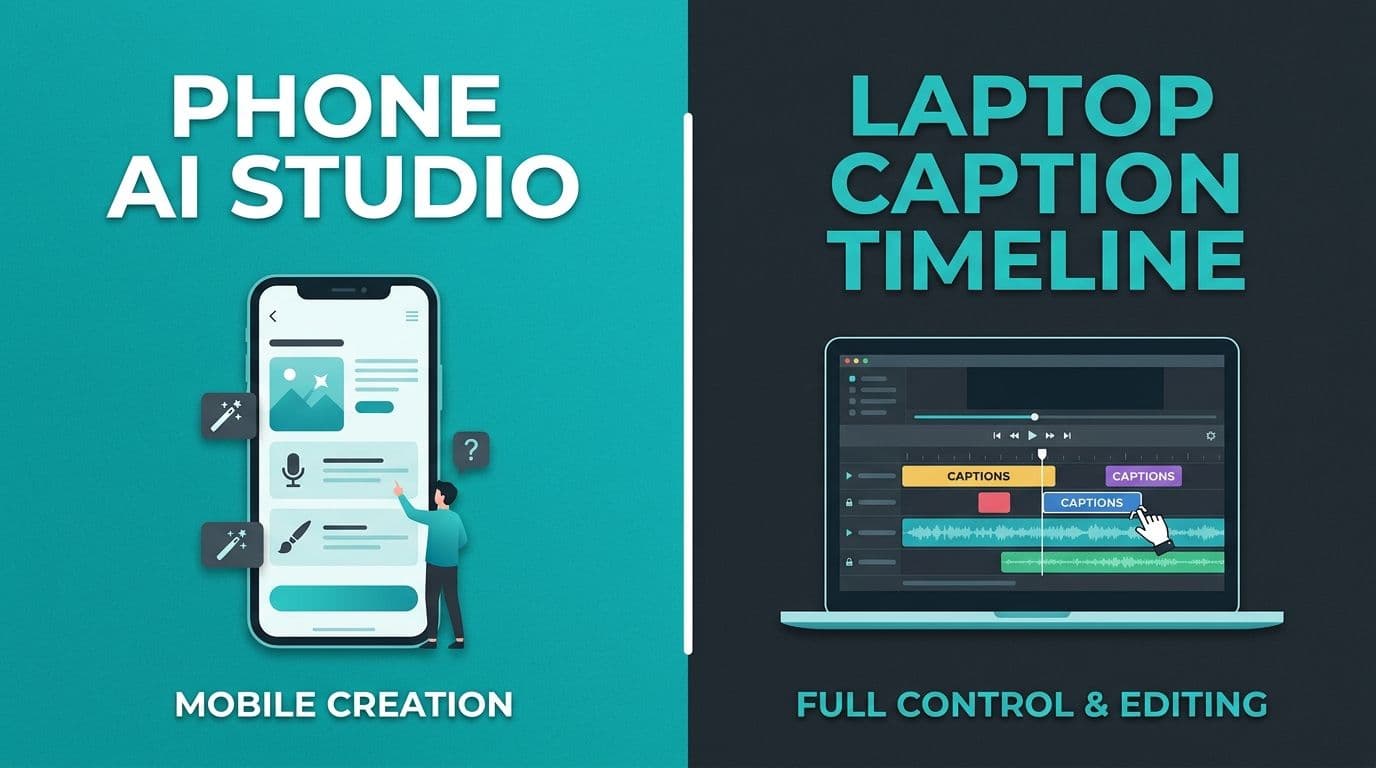
A VEED alternative for short form captions should match the job you run every week. VEED is a capable browser video suite with captions inside a larger editor. If you mostly need timed captions on talking clips for TikTok, Reels, and Shorts, a captions-focused burn-in tool can be simpler and cheaper to keep in the stack.
This is not a claim that VEED is bad. Suites win for many teams. The question is whether you are paying for a suite while hiring a caption specialist.
Job map
| Weekly job | Lean toward |
|---|---|
| Trim, captions, brand kit, collaboration | Full browser suite like VEED |
| Caption a finished short and burn it in | Captions-focused tool |
| Mobile trending templates and effects | CapCut-style editor |
| Emoji-heavy social caption styles | Style-first caption apps |
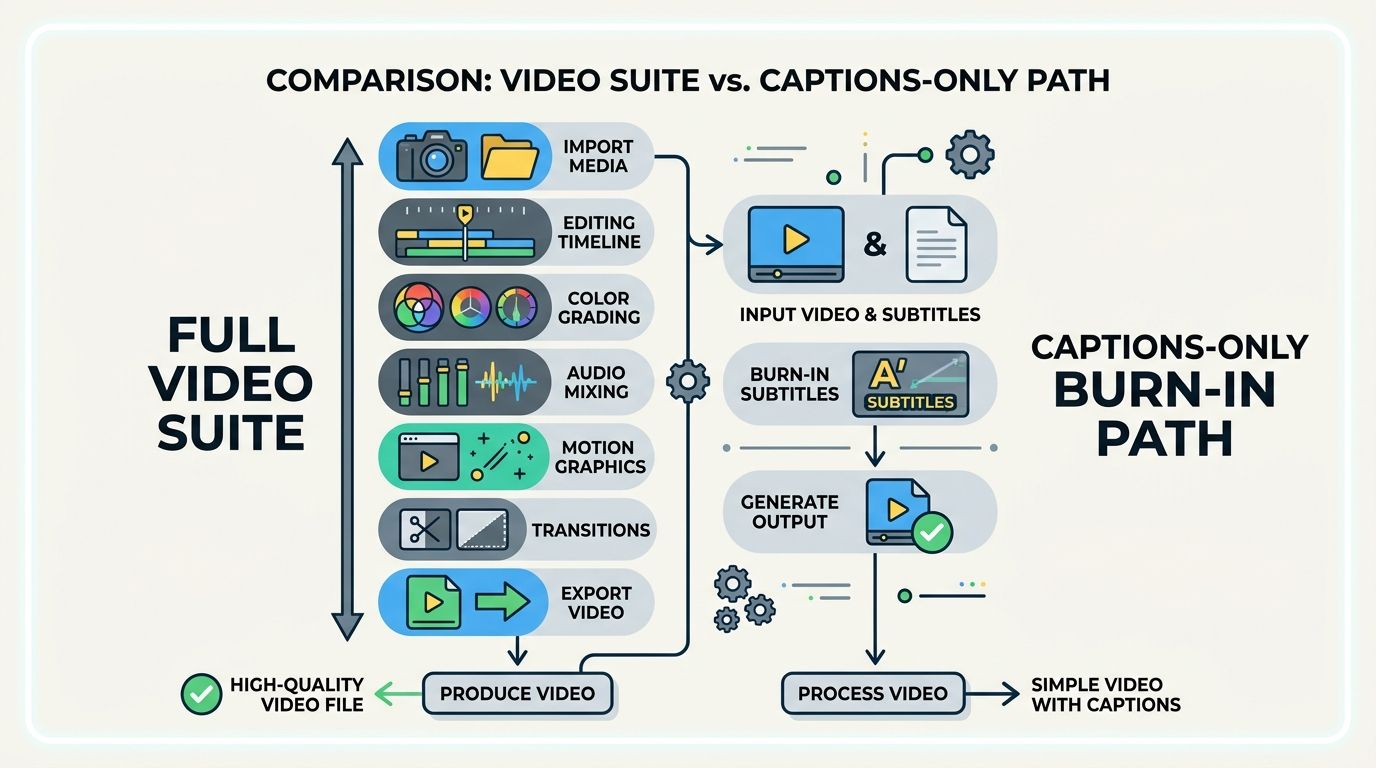
If your timeline is mostly "upload, fix words, style, export," you do not need forty other editor panels open. If your timeline includes resizing, collaboration, and multi-track edits, keep the suite.
When VEED (or a suite) still wins
- You edit more than captions in the same project.
- Teams need shared workspaces and review flows.
- You rely on suite features beyond burn-in captions.
- Localization and broader subtitle workflows sit beside short-form posts.
Verify current VEED plans and limits on their pricing page before you decide. Suite pricing and free tiers change.
When a captions-focused alternative fits
Choose a captions-first tool when:
- The video is already cut.
- You need word-level timing and quick transcript edits.
- You export burn-in for mute autoplay.
- You sometimes need SRT or VTT for YouTube.
- You want less UI noise for a daily short-form cadence.
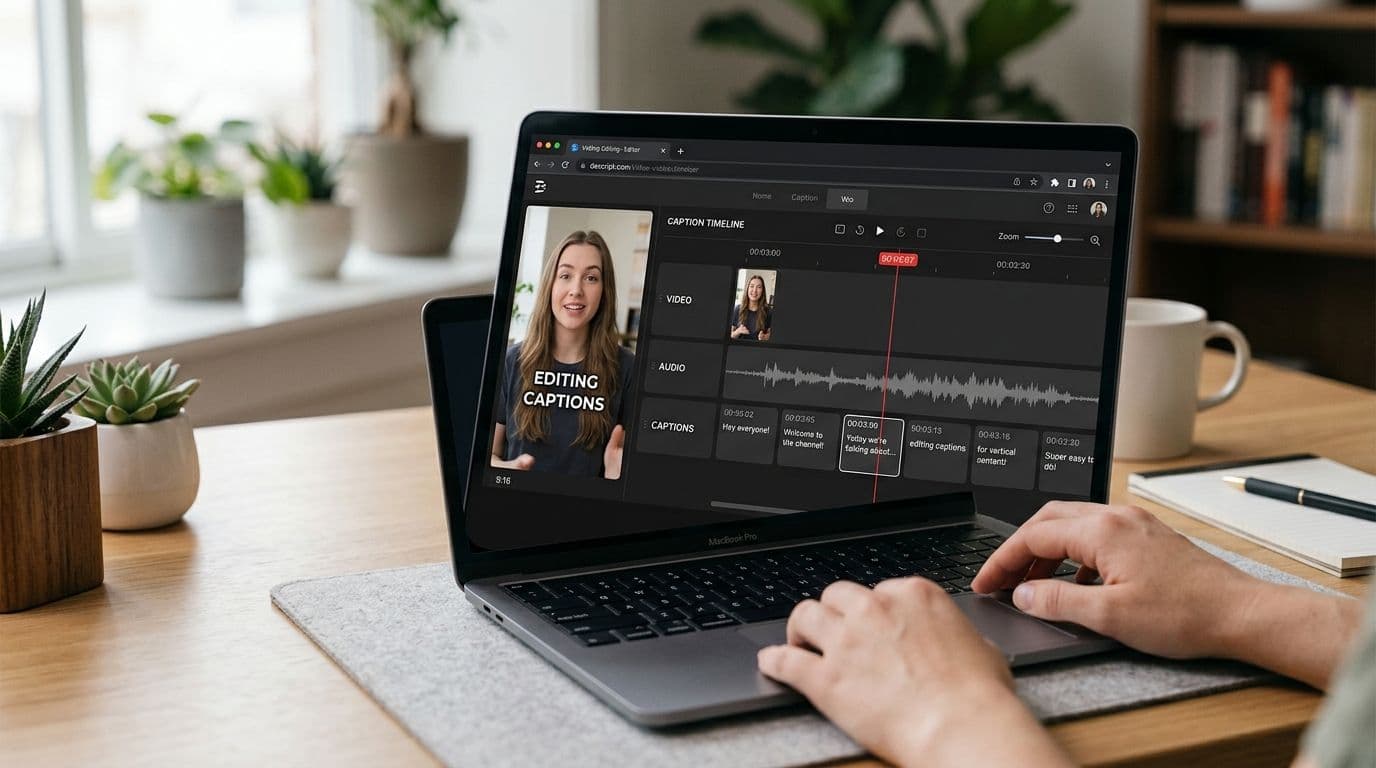
AutoCaption is built around that caption job in the browser: upload, edit, style, burn-in, and optional SRT/VTT, with English, Urdu script, and Roman Urdu. Start at the homepage.
Related comparisons in this library:
- CapCut captions alternative for a browser workflow
- Submagic alternative for clean captions
- Free auto captions without a watermark
A practical split stack
Many creators keep two tools without conflict:
- Suite days: trim, titles, multi-clip edits, team review.
- Caption days: finished MP4 in, burned captions out, upload to three apps.
If almost every day is a caption day, the suite becomes overhead. If almost every day is an edit day, a captions-only tool will feel incomplete. Count your last ten publishes and let that decide.
Evaluation checklist (use on any alternative)
- Can I fix names before export?
- Can I place captions clear of platform UI?
- Does free export add a watermark?
- Can I export burn-in and a subtitle file?
- Does language support match my audience?
- Can I finish a 30 to 60 second clip without learning a full video editor?
Skip marketing adjectives. Run one real clip through each shortlisted tool on the same afternoon.
Honest limits
- "Alternative" pages go stale when pricing changes. Re-check the week you buy.
- Suites can still be the right answer for hybrid editing weeks.
- Captions-only tools will not replace a full editor when you need advanced timelines.
Practical recommendation
Keep VEED when the suite is doing weekly work beyond captions. Choose a captions-focused VEED alternative for short-form captions when the missing piece is timed burn-in on finished talking clips. Many creators keep a suite for editing days and a caption tool for publish days.
If today's job is captions on a finished short, try a browser caption pass and judge the transcript on your own audio before you subscribe anywhere.
Cost thinking without fake numbers
Do not compare list prices alone. Compare minutes of work per published short. If a suite saves editing time three days a week, it can still win even when a caption tool is cheaper. If you open the suite only to caption, you are paying attention cost as well as money.
Track one week:
- How many publishes needed captions only?
- How many needed multi-clip editing?
- How often did watermark or export limits block you?
Those counts beat a marketing comparison table.
Migration path if you switch
- Export your last five captioned shorts as references.
- Rebuild one style preset in the new tool.
- Caption three new clips end to end.
- Cross-post one master to TikTok, Reels, and Shorts.
- Keep the suite available for one more month before canceling.
A slow switch prevents a blank week when something unexpected breaks.
If you only needed captions this week, start with the captions tool and revisit the suite next month.
Written by
Amina Qureshi
Motion and Style Designer at AutoCaption. Builds readable caption looks for Reels, TikTok, and Shorts.