Submagic Alternative: Animated Captions Without Emoji Clutter
Looking for a Submagic alternative? Compare emoji-heavy viral caption templates with clean word-timed highlight styles for brand-safe Reels, TikTok, and Shorts.
Caption your next video free

Amina Qureshi
Submagic Alternative: Animated Captions Without Emoji Clutter
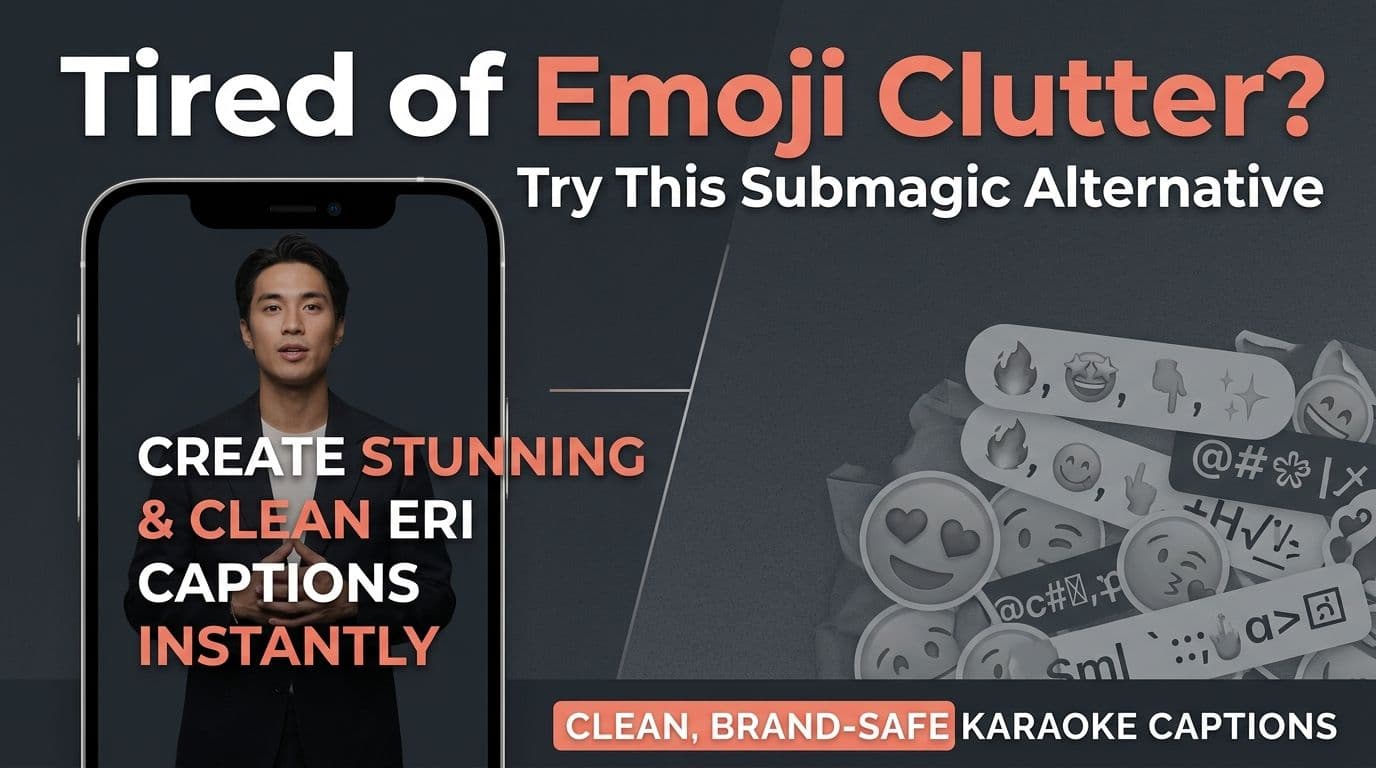
Creators search for a Submagic alternative when they still want fast animated captions, but the emoji-heavy look no longer fits the channel. The useful question is not "which app has more stickers." It is "what job are the captions doing on this clip?"
Submagic is known for short-form caption templates aimed at TikTok and Reels. That energy works for many viral talking clips. It is a weaker fit when a brand, client, or educational channel needs clean word highlights without a sticker layer competing with the face and the message.
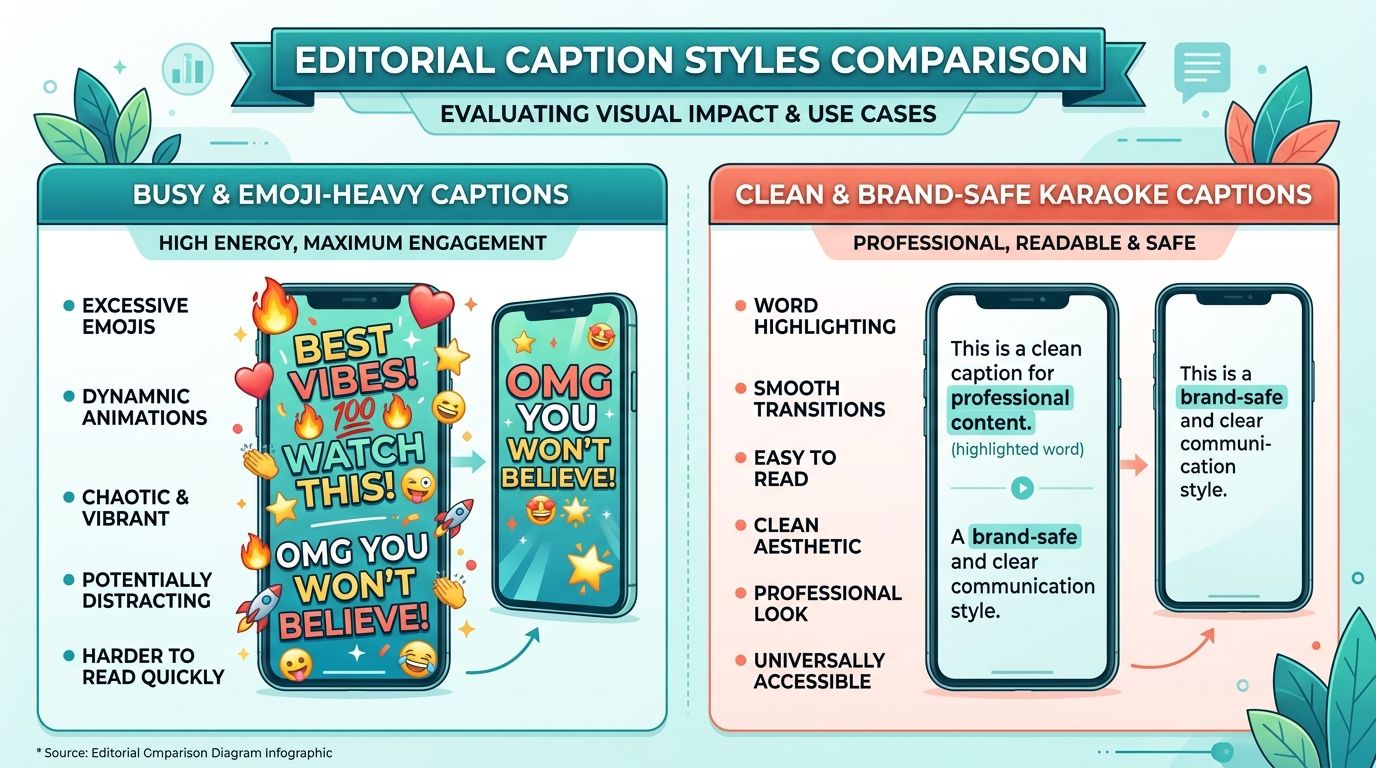
Why people look for alternatives
Common reasons show up again and again:
- Brand guidelines ban or limit emoji in on-screen text.
- The niche is education, finance, health, or B2B, where emoji templates feel off-tone.
- The creator wants precise word timing more than decorative bursts.
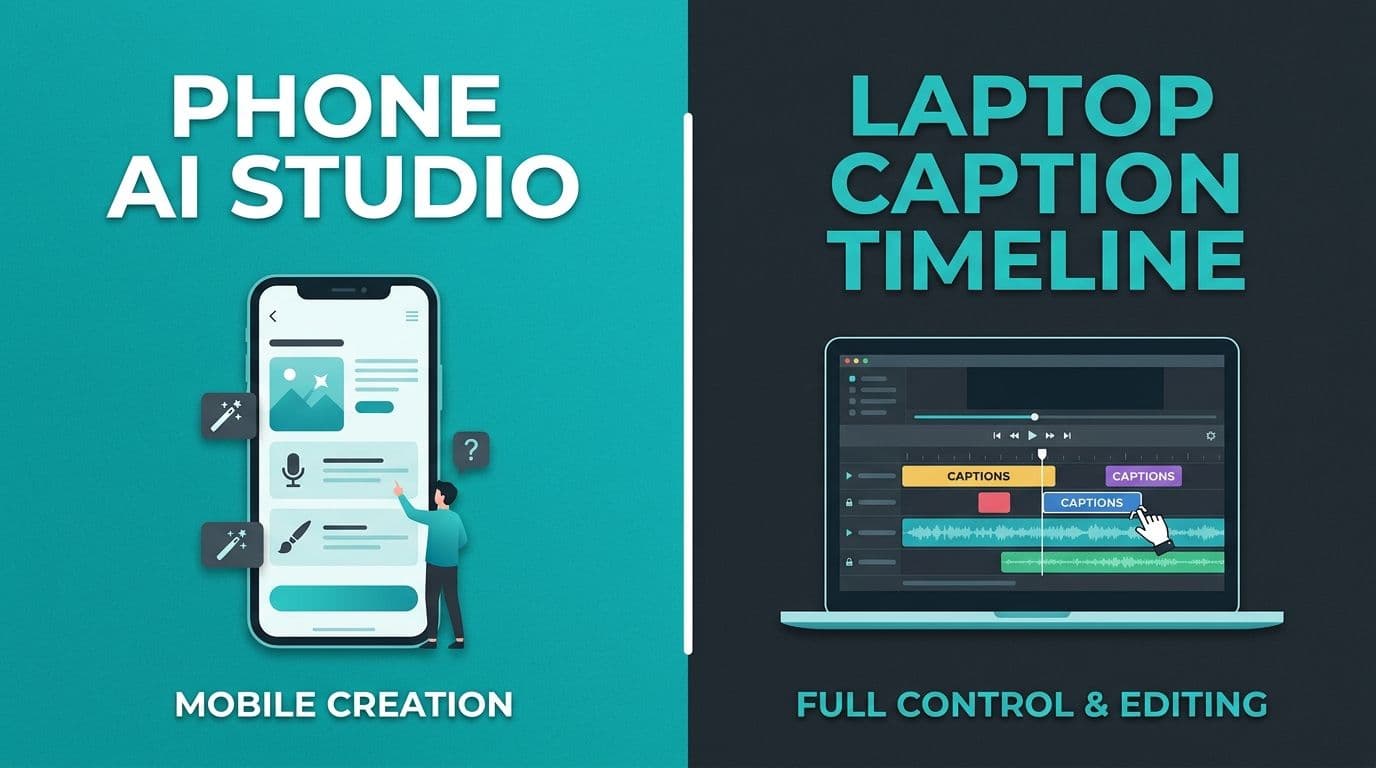
- The workflow is desktop-first: the finished clip already lives on a laptop.
- Language needs go beyond English-first template packs.
None of those mean Submagic is "bad." They mean the template aesthetic and the caption job are misaligned.
What to compare (practical criteria)
Ignore feature scorecards that invent rankings. Compare the work you actually do.
| Criterion | Why it matters |
|---|---|
| Caption style control | Can you get clean highlights without emoji packs? |
| Word-level timing | Do active words track speech, or only whole lines? |
| Edit and proofread flow | How fast can you fix names before export? |
| Burn-in export | Does the finished look travel to every platform? |
| Language fit | Does the tool handle your spoken language and script? |
| Editor weight | Do you need captions only, or a full video suite? |
Pricing and plan limits change often. Verify current plans on each product's site before you buy. This article does not invent competitor prices.
Paths that usually replace emoji-first templates
1. Stay with viral templates when the channel wants them
If your content is entertainment-first and emoji captions match the brand, keep using a template-heavy tool. Forcing a minimal look onto a meme channel can hurt more than it helps.
2. Use CapCut when you still need a full editor
CapCut remains a strong free-adjacent editor with captions as one feature among many. It is heavier when the only job is captioning a finished talking clip. For that CapCut-specific decision, see CapCut captions alternative.
3. Use a caption-focused browser studio for clean word highlights
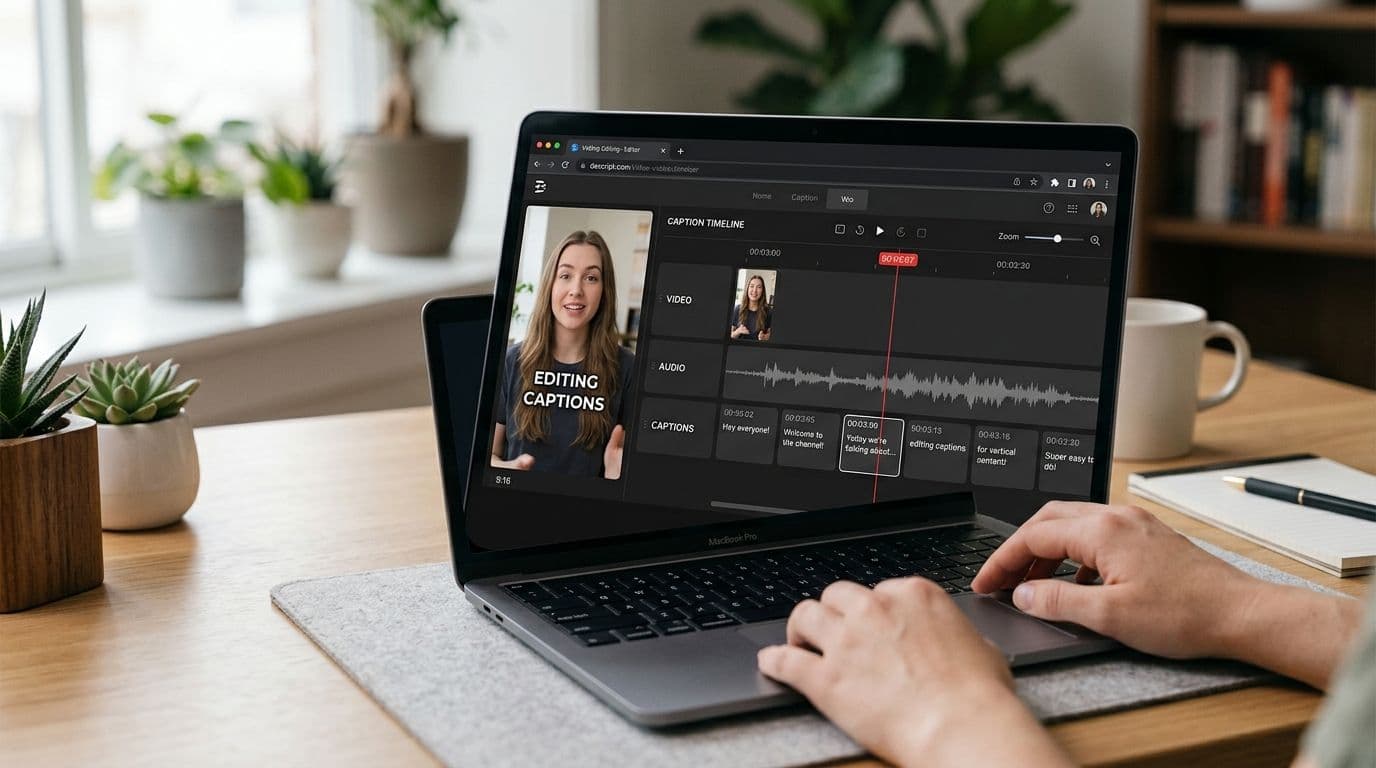
When the clip is already edited and you only need readable animated captions, a browser caption tool can be faster than opening a full editor. AutoCaption is built for that job: word-timed captions, clean and karaoke-style presets, burn-in export, and SRT/VTT, including English, Urdu, and Roman Urdu. It is not trying to replace every CapCut effect or every emoji template pack.
If word highlights are the retention tactic you want, word-by-word captions for Reels, TikTok, and Shorts explains the reading behavior without pushing a product tour.
4. Native platform captions when style does not matter
TikTok, Instagram, and YouTube can add basic captions in-app. Use them when speed beats branding. Skip them when you need a portable, designed look.
Best-fit guide
| You should prefer | If |
|---|---|
| Emoji-forward template tools | Viral entertainment is the brand and stickers help |
| Full editors (for example CapCut) | You still need cuts, effects, and captions in one place |
| Caption-focused browser tools | The cut is done and you want clean burn-in styles |
| Native app captions | One platform, one post, minimal style needs |
Trade-offs to accept honestly
Clean captions are not automatically more engaging. Some audiences expect loud template energy. Likewise, emoji templates are not automatically "low quality." They become a problem when they fight the message, fail brand review, or hide the spoken word behind decoration.
Also be careful with language claims. Many short-form caption apps are strongest in English. If you publish in Urdu or Roman Urdu, test the exact script before you commit a workflow.
Decision in one minute
If you love Submagic's viral look and your channel matches it, stay. If you need animated captions that stay brand-safe, readable, and word-timed without emoji clutter, move to a caption-first workflow and judge tools on timing, edit speed, burn-in export, and language fit.
Try a clean caption pass on a short clip, or browse caption style options for Reels and TikTok before you redesign your template stack.
A simple test before you switch tools
Take one recent post that used emoji-heavy captions. Export a clean word-highlight version of the same audio. Show both to someone in your target audience for five seconds each. Ask which one they would trust for your niche. That qualitative check beats feature matrices when the question is tone, not tool count.
Written by
Amina Qureshi
Motion and Style Designer at AutoCaption. Builds readable caption looks for Reels, TikTok, and Shorts.