



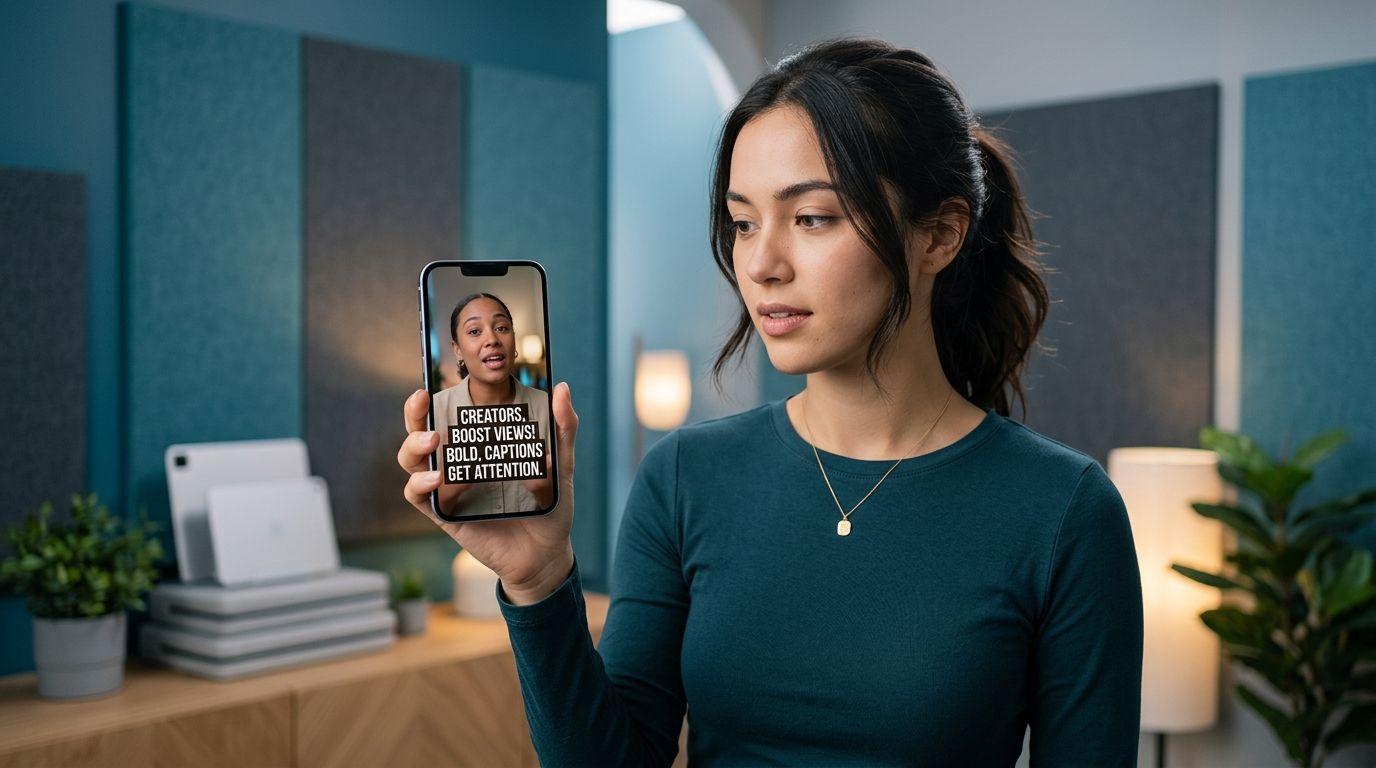
Best Caption Styles for Reels and TikTok (What Actually Reads)
Pick the best caption styles for Reels and TikTok by readability on muted phones, not by how flashy the template looks. Compare clean, bold, boxed, and word-highlight looks with a practical checklist.
Caption your next video free

Sara Malik
Best Caption Styles for Reels and TikTok (What Actually Reads)
The best caption styles for Reels and TikTok are not the busiest ones. They are the styles a viewer can read in the first second with sound off, on a small phone, while platform buttons crowd the edges.
Most short-form feeds start muted. Your style has one job: carry the spoken line without stealing the frame. Everything else is decoration.
A simple test before you commit
Mute your phone. Hold it at arm's length. Play the first three seconds.
Ask:
- Can I read the line without zooming?
- Does the text sit clear of the username, like button, and caption field?
- Is the face or product still visible?
- Would this still look intentional on Instagram and YouTube Shorts?
If you fail two of those, change the style before you change the music.
Style jobs, not style names
| Style family | Best when | Weak when |
|---|---|---|
| Clean / minimal | Education, brand, client work | You need strong motion to hold attention |
| Bold / high contrast | Fast talkers, noisy backgrounds | Soft aesthetic brands that hate heavy type |
| Boxed / pill background | Busy footage behind the words | Already dark UI chrome near the text |
| Word highlight | Hooks, lists, punchlines | Long dense sentences with no pause |
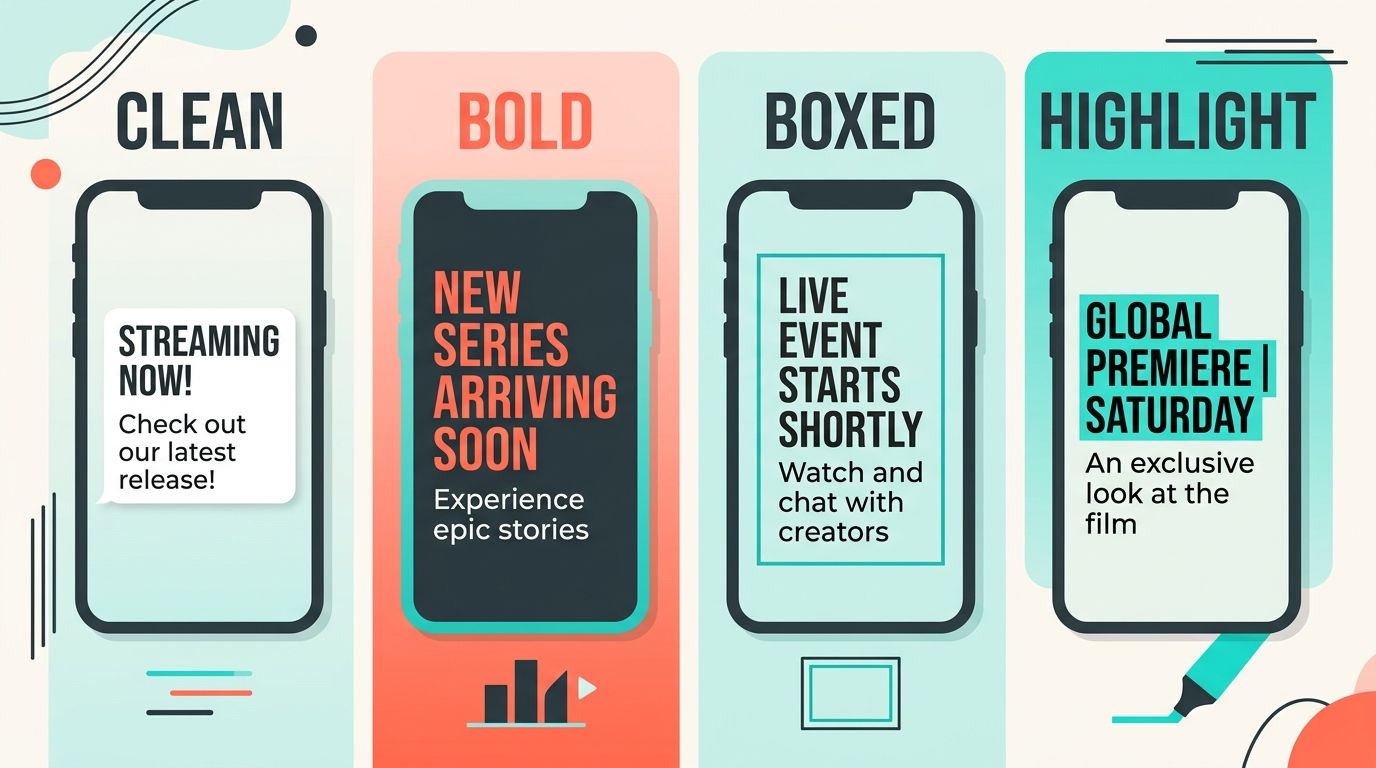
Names differ by app. Judge the job: contrast, length of each line, and how much motion you add.
What tends to win on muted feeds
High contrast over pretty gradients. White or near-white type with a dark outline or soft box beats pastel text on a bright room.
Two lines max per beat. Three long lines force skim. Cut the sentence or split the timing.
One motion cue. A highlight on the active word helps tracking. Bounce, emoji rain, and outline strobes together usually hurt.
Stable placement. Jumping the block every line makes eyes hunt. Keep a safe band in the middle-lower third, then nudge once if a face or product needs space.
For word-timed motion specifically, see karaoke captions for TikTok and word-by-word captions for Reels, TikTok, and Shorts.
Looks that usually fail (even when they trend)
- Thin script fonts that vanish on compression
- Emoji after every word on a teaching clip
- Neon glow on already bright B-roll
- Full-width paragraphs that cover the speaker's mouth
- Tiny labels that only look sharp on a desktop preview
If you want animated energy without sticker clutter, the trade-offs are covered in Submagic alternative for clean captions.
Match style to clip type
Talking head tip. Bold or boxed in the lower-middle band. Keep cheeks and eyes free.
Screen recording. Clean text near the unused edge of the UI, not over the button you are teaching.
Product demo. Boxed captions above the product, not on the label text in the packaging.
Story or rant. Word highlight on the punch words. Keep filler words quieter.
Faceless voiceover. Stronger contrast and slightly larger type, because captions carry more of the visual load.
Cross-posting changes the answer
A style that fits TikTok's right-side stack can still collide with Instagram's sticker zone or Shorts chrome. If you publish one master file to three apps, design for the strictest safe area, then check each upload once.
Saving captions into the video file keeps the look identical across apps. App-only captions can drift by platform. Pick based on whether brand consistency or speed matters more that week.
A weekly style system (so you stop reinventing)
- Pick one default for teaching clips.
- Pick one louder preset for hooks and ads.
- Save brand colors once.
- Reuse those two presets for a month before you browse new templates.
Consistency trains your audience. Constant style hopping makes every video feel like a new brand.
Honest limits
- "Best" is audience-specific. Comedy channels tolerate more motion than finance explainers.
- Trends age fast. Readability does not.
- No style fixes a wrong transcript. Fix names and numbers before you polish the look.
Build a small style kit (instead of browsing forever)
Creators lose hours opening template browsers. A kit of two presets beats twenty half-used looks.
Preset A: Teach. Bold or boxed, moderate size, minimal motion. Use for tutorials, tips, and client-safe posts.
Preset B: Hook. Same colors, slightly larger type, word highlight on. Use for cold opens and ads.
Keep colors identical across both so the channel still feels like one brand. Change motion, not the whole identity.
Once a month, review analytics on three Teach posts and three Hook posts. If Hook underperforms, the issue is often the first line of script, not the missing sticker pack.
Mobile QA you can finish in two minutes
- Export at the resolution you actually upload.
- Open the file in Photos or Files, not only in the caption editor.
- Cover the speaker with your thumb. Can you still follow the point from text alone?
- Check the last line of the clip. Many styles look fine on the hook and collapse on the outro.
If the outro fails, shorten the final caption blocks. Do not shrink the font globally just to fit a long goodbye.
Practical pick
Start with bold or boxed for most talking clips. Add word highlight when the hook needs a beat. Stay clean when the brand or client wants calm. Run the mute arm's-length test on every new preset before it becomes your default.
If you want a browser pass that styles word-timed captions and exports them into the file, try AutoCaption on a finished short and judge the style on your own muted phone, not on a laptop preview alone.
Written by
Sara Malik
Creator Education Lead at AutoCaption. Helps short-form creators ship word-timed captions without a full video editor.
More topics you may like
Caption Styles
SDH Subtitles Explained: Meaning & Guide · AutoCaption
Sara Malik

Caption Styles
How to Label Audio & Speakers in Subtitles · AutoCaption
Sara Malik

Caption Styles
How to Format Subtitles: Professional Guide · AutoCaption
Sara Malik

Caption Styles
Subtitle Line Length and Reading Speed: Practical Guidelines
Sara Malik

Caption Styles
How to Caption Videos for Accessibility
Sara Malik

Caption Styles
Closed Captions vs Open Captions: Which Format Should You Use?

Amina Qureshi