



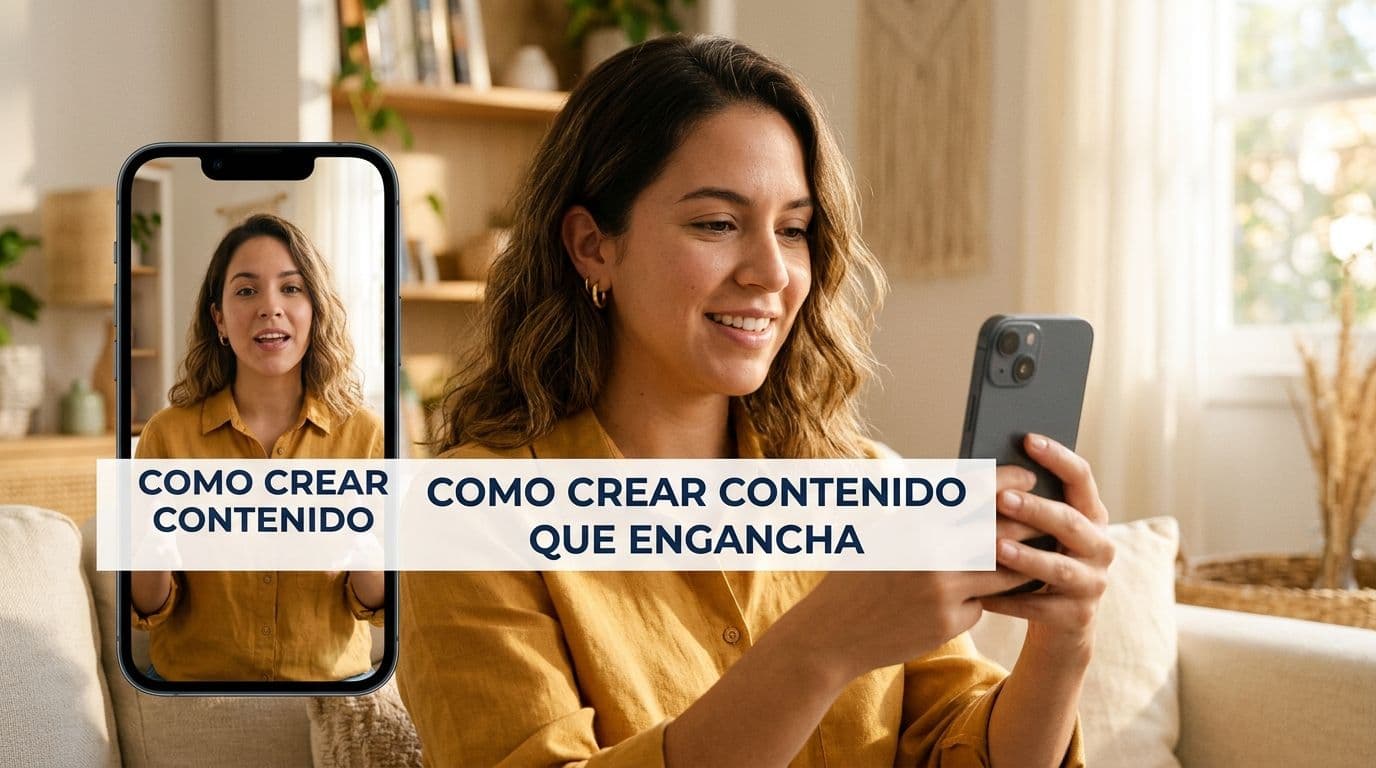
Spanish Captions for Reels and TikTok: Generate, Proof, Export
Add Spanish captions for Reels and TikTok with a generate, proof, and export workflow. Fix names, accents, and Spanglish mixes, then save captions into the video for muted feeds.
Caption your next video free

Sara Malik
Spanish Captions for Reels and TikTok: Generate, Proof, Export
Spanish captions for Reels and TikTok work best as a short loop: generate a timed draft, proof the words people actually said, then export a file viewers can read with sound off. Native app captions are fine for a quick single-platform post. A captioned master file is better when you care about style, accents, and the same look on more than one app.
Why Spanish short-form needs a proof step
Auto tools are useful. They are not finished:
- Brand and creator names get invented spellings
- City names and product names drift
- Spanglish lines may lean too far into English or Spanish
- Question marks and accents can disappear in messy drafts
Thirty seconds of proofing beats a week of comments saying the text was wrong.
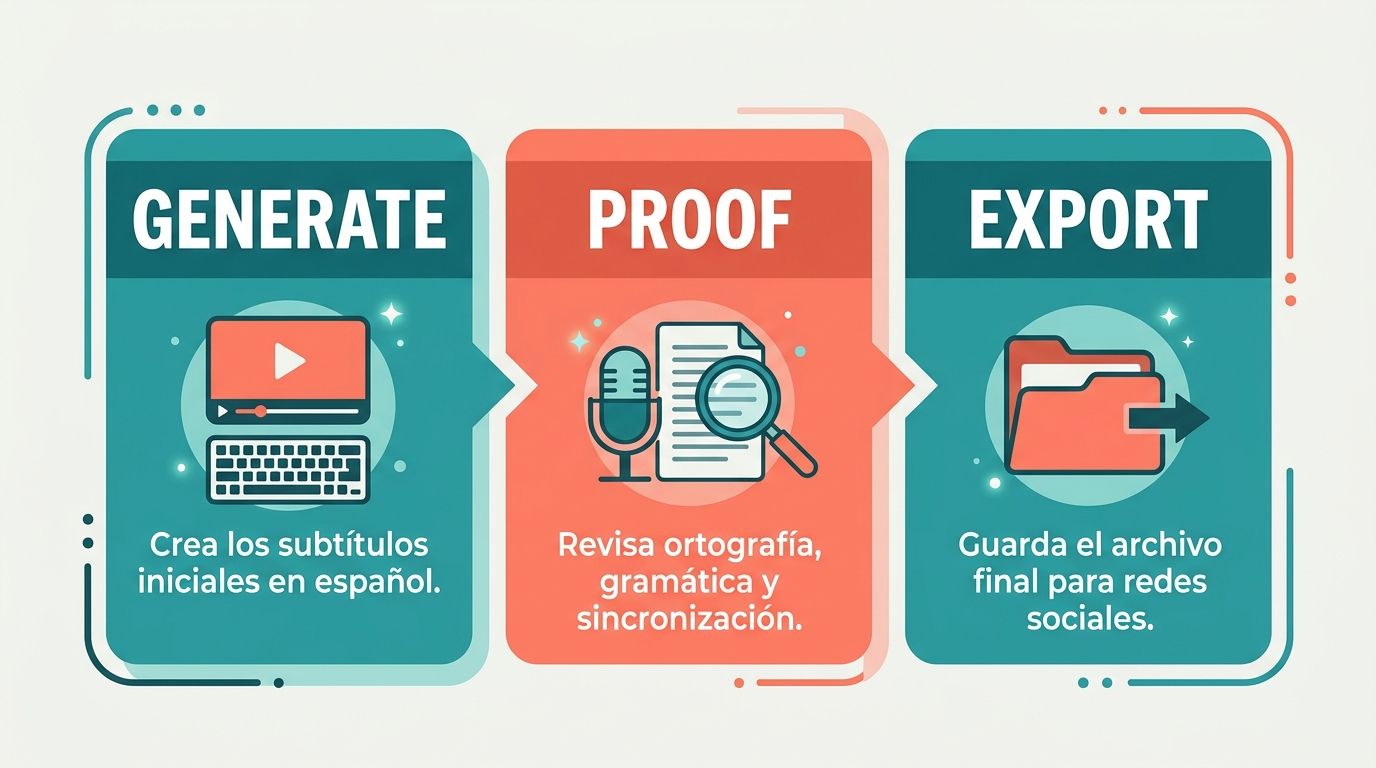
Step 1: Generate on the finished vertical cut
- Finish the edit first. Captions should not wait on unfinished cuts.
- Upload the vertical file to a caption tool that supports Spanish.
- Choose Spanish (or auto-detect if your tool recommends it for mixed audio).
- Generate timed captions before you touch style.
AutoCaption includes Spanish among its language options. You can start from the Spanish captions landing or the homepage.
Step 2: Proof the words that break trust
Read the transcript once with sound on. Fix these first:
| Priority | Examples |
|---|---|
| Names | People, brands, neighborhoods |
| Numbers | Prices, dates, @handles |
| Spanglish | Keep the mix your audience actually speaks |
| Accents | á é í ó ú ñ where meaning needs them |
Do not rewrite the speaker into textbook Spanish if your channel voice is conversational. Match the mouth.
Step 3: Shape lines for phones
- Prefer short lines over long paragraphs
- Keep one idea per caption block when possible
- Place text in a clear middle or lower band
- Leave space for TikTok's right icons and Instagram's lower UI
If you are still choosing between app captions and captions saved in the file, read app captions vs captions saved in your video file.
Step 4: Export for mute autoplay
For most Reels and TikTok posts, export a video with captions visible in the picture. That way muted viewers see the line even when they never tap CC.
Keep an SRT when you also upload to YouTube or need a separate track later. Platform-specific install steps are covered in how to add captions to Instagram Reels and how to add captions on TikTok.
Spanglish without making a mess
Common pattern: Spanish sentences with English product names.
Good approach:
- Keep the English name in Latin letters as spoken.
- Do not force a awkward translation for a brand the audience knows in English.
- Keep the surrounding Spanish readable and timed to the breath.
If half the clip is English teaching and half is Spanish commentary, consider which language is primary for that post and proof with that priority.
Style notes that help Spanish text
- High contrast beats thin decorative fonts
- Avoid all-caps walls for long lines
- Word highlights help fast talkers
- Test one frame with
¿andñso your font actually supports them
Quality checklist before you post
- Mute the phone and watch once.
- Confirm names and prices.
- Confirm no UI collisions.
- Confirm the first hook line is readable in under a second.
- Export the master you will reuse on the second platform.
Honest limits
- No tool nails every accent or slang community on the first pass.
- Very noisy rooms still need human cleanup.
- Native app captions can be enough for a casual one-off if style control does not matter.
Regional Spanish without overthinking it
Spanish is not one spoken style. Mexico City, Bogotá, Buenos Aires, and Madrid do not share every idiom.
For social captions:
- Match the speaker, not a textbook from another country.
- Keep local slang if that is the channel voice.
- Avoid "correcting" a creator into a different region's Spanish during proofing.
- Still fix clear ASR mistakes that change meaning.
If your audience spans multiple countries, prefer clear neutral wording for teaching clips, and keep local flavor for personality clips.
Batch workflow for creators who post daily
- Film and cut three shorts.
- Generate Spanish captions for all three in one sitting.
- Proof names across the batch first (you will see repeated brand errors).
- Apply one saved style preset.
- Export three masters.
- Schedule uploads after a muted phone review of each hook.
Batching the proof step is faster than treating every clip like a brand-new language project.
Practical next step
Generate Spanish captions on a finished short, proof the trust words, then export for mute viewing. If you want that loop in the browser with Spanish selected up front, open the Spanish captions page and run one real clip end to end today.
Written by
Sara Malik
Creator Education Lead at AutoCaption. Helps short-form creators ship word-timed captions without a full video editor.
More topics you may like

Auto Captions
How to Add a VTT Subtitle File to YouTube
Sara Malik

Auto Captions
How to Add Captions to a Video on Android: A Practical Export Guide

Omar Raza

Auto Captions
How to Convert SRT to VTT Without Breaking Subtitle Timing
Omar Raza

Auto Captions
How to Add Captions to Instagram Stories Without Losing Readability
Omar Raza

Auto Captions
How to Add Captions to a Podcast Video Without Cluttering the Frame
Sara Malik

Auto Captions
How to Generate Portuguese Subtitles for Video
Sara Malik