Captions.ai vs a Browser Caption Tool: Which Job Are You Hiring?
Compare Captions.ai with a browser caption workflow for short talking clips. See when a mobile AI studio wins and when captions-only burn-in is the better hire.
Caption your next video free

Sara Malik
Captions.ai vs a Browser Caption Tool: Which Job Are You Hiring?
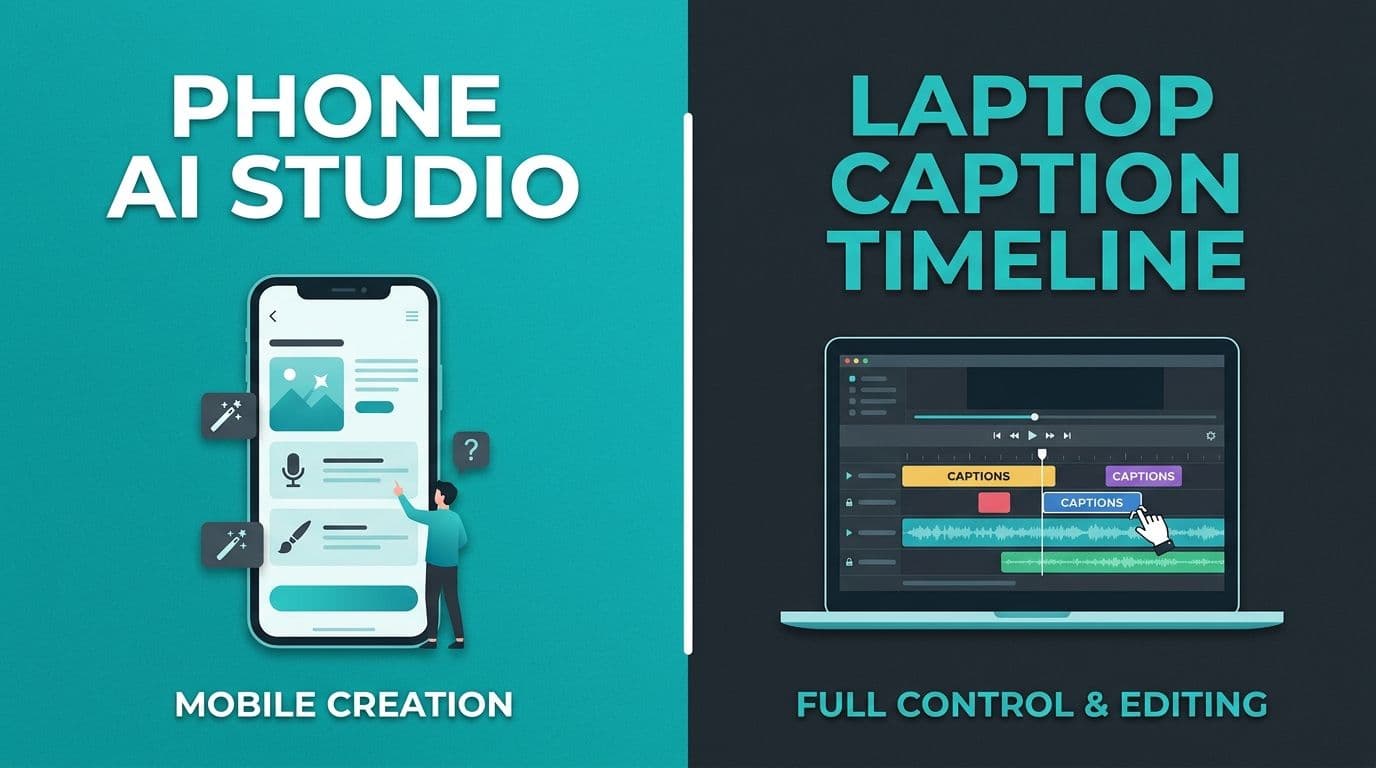
Captions.ai vs a browser caption tool is less about a feature checklist and more about the job you need done. If you want an AI-assisted mobile studio that helps shape the video, Captions.ai can fit. If the clip is already cut and you mainly need word-timed captions burned into the file, a focused browser tool is usually the cleaner hire.
This page does not claim secret pricing or unpublished Captions.ai features. Product surfaces change. Verify current plans on their site before you buy. Captions.ai documents browser access and notes there is no native Windows or Mac desktop app, with web shortcuts as a workaround. Captions web access docs.
Start with the job, not the brand
| Job you need | Better default |
|---|---|
| Shoot, edit, and polish a social video on your phone | Captions.ai-style AI studio |
| Caption a finished talking clip on a laptop | Browser caption tool |
| Keep one branded caption look across TikTok, Reels, Shorts | Browser burn-in export |
| Heavy mobile-only creation with templates and AI assists | Mobile AI studio |
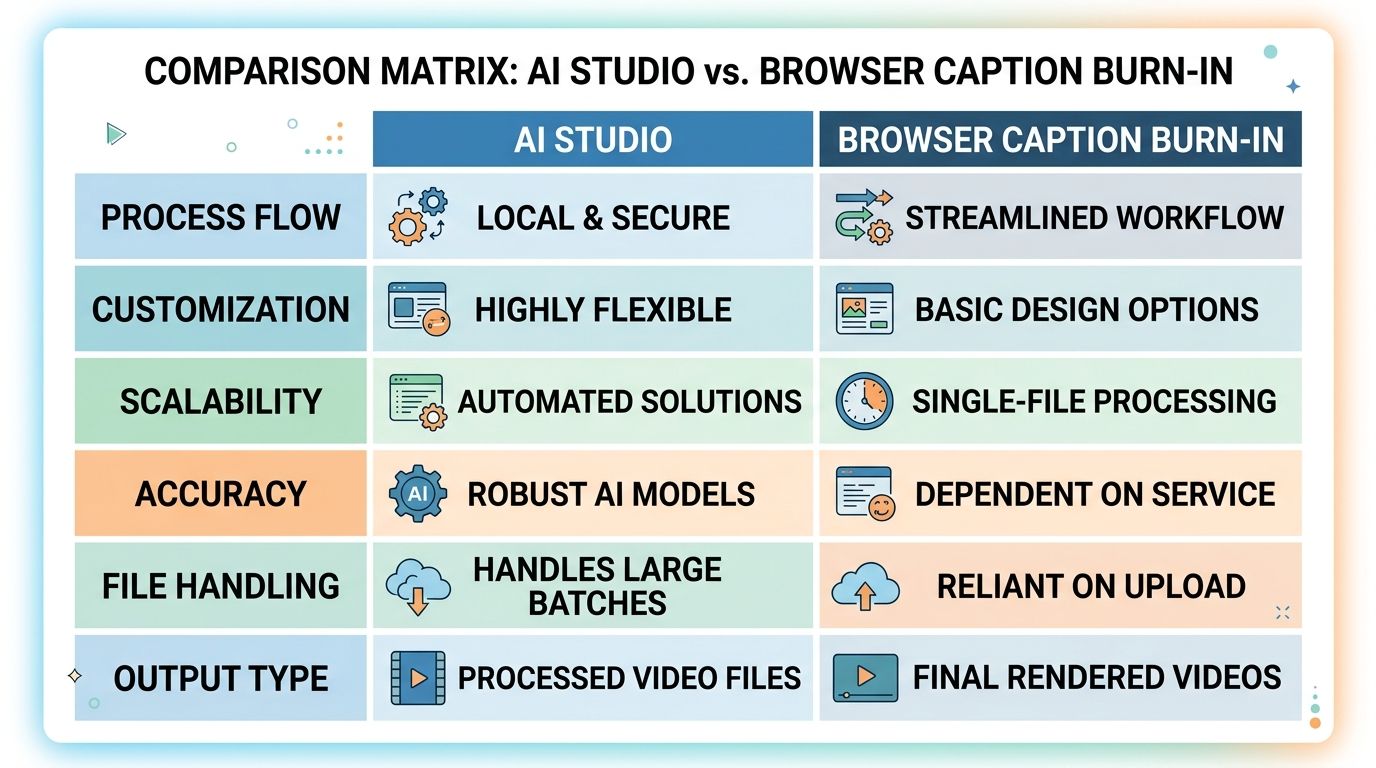
If your pain is "I already have the clip, I just need readable captions," you are shopping for a caption tool. If your pain is "I need help making the video itself," you are shopping for a studio.
What Captions.ai is strong at
Creators look to Captions.ai for mobile-first AI editing, templates, and a product story that goes beyond captions alone. That is useful when recording and editing happen on a phone, and when you want guided AI edits alongside on-screen text.
Trade-offs to check yourself:
- Desktop work often means browser access or a web app shortcut, not a full native desktop editor.
- A broader studio can feel heavy when all you needed was captions on an existing file.
- Language depth, watermark rules, and export limits change by plan. Confirm on their current pricing page.
What a browser caption tool is strong at
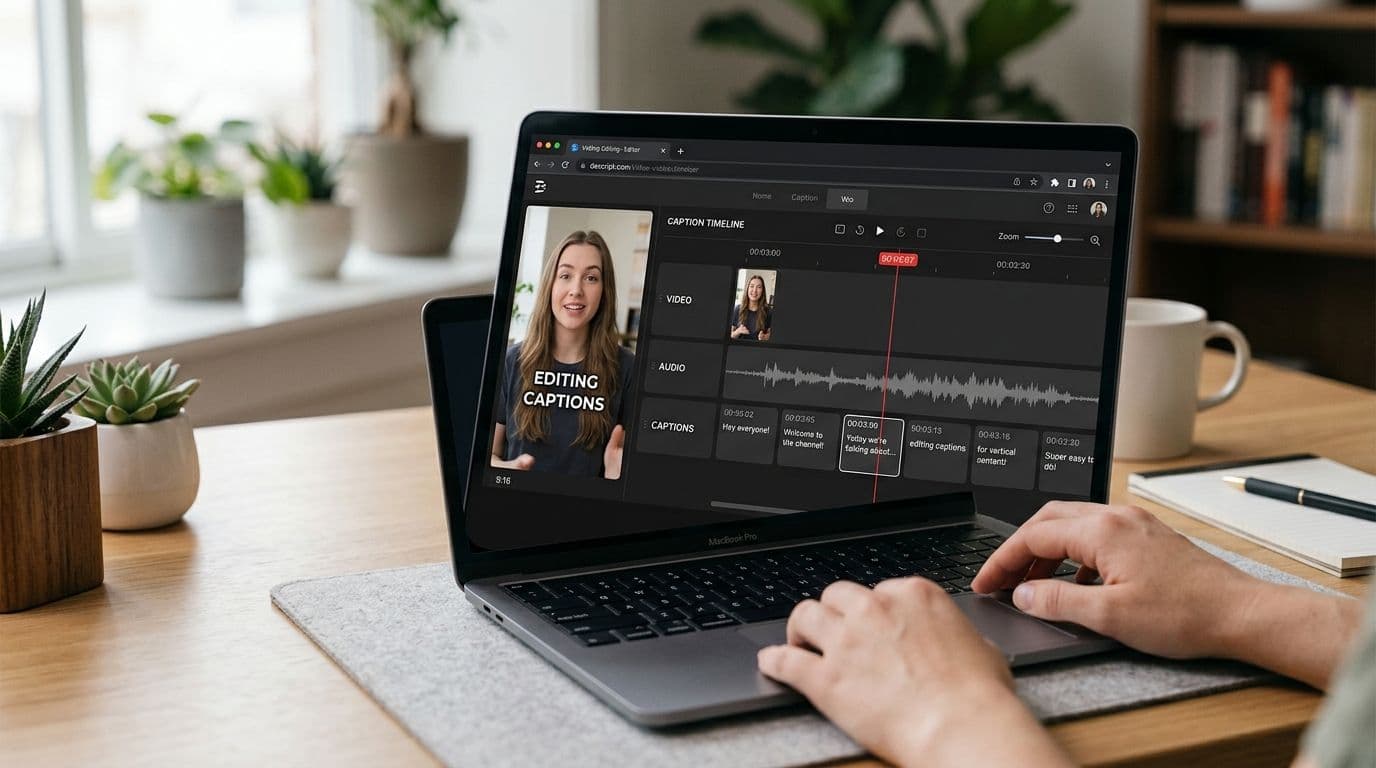
A captions-focused browser workflow is built for finished files:
- Upload a talking clip.
- Generate timed text.
- Fix names and timing.
- Style captions.
- Export burn-in plus SRT or VTT when you need both.
That path shines when files live on a laptop, when you cross-post one master, and when you want keyboard precision for transcript edits. AutoCaption is one example of that job: word-timed captions, styles, burn-in export, and SRT/VTT, including English, Urdu script, and Roman Urdu. Try a short clip from the homepage.
If you are comparing against CapCut's full editor instead, see CapCut captions alternative for a browser workflow. For emoji-heavy short-form styles, see Submagic alternative for clean captions.
A week-in-the-life comparison
Studio week: You film on your phone, try AI edit suggestions, pick templates, and publish without opening a laptop. Captions are part of a larger mobile session.
Caption week: Your editor already exported a vertical MP4. You only need accurate words, placement, and burn-in before posting to three apps. A browser caption pass is faster than loading a full studio.
Most creators swing between both weeks. Buying only the studio can slow caption weeks. Buying only captions can frustrate studio weeks. Match the subscription to the week that happens more often.
Decision questions
Ask these before you subscribe:
- Do I need help making the video, or only captioning it?
- Do I create mostly on phone or mostly on laptop?
- Do I need the same burned-in look on three platforms?
- Do I need Urdu script or Roman Urdu review in the editor?
- Do I care about exporting SRT or VTT for YouTube tracks?
If answers lean studio and mobile, Captions.ai stays in the shortlist. If answers lean captions-only and desktop files, shortlist a browser caption tool first.
One more filter: if a salesperson leads with AI magic and you still cannot explain the weekly job in one sentence, pause. Clarity beats a flashy demo every time.
Honest limits
- Feature matrices go stale. Re-check both products the week you buy.
- "Alternative" pages often oversell. Match the tool to the weekly job, not a viral feature list.
- Free tiers change. Read free auto captions without a watermark for the export checks that still matter on any free path.
Practical recommendation
Hire Captions.ai when you want a mobile AI studio around your filming and editing. Hire a browser caption tool when the video is already done and the missing piece is word-timed captions you can burn in and reuse. Many creators keep both: phone studio for drafting, browser burn-in for the final master.
If your next clip is already exported, caption it in the browser and decide after you see the transcript quality on your own audio.
Written by
Sara Malik
Creator Education Lead at AutoCaption. Helps short-form creators ship word-timed captions without a full video editor.